1
Using the Printer Settings Menu
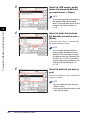
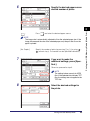
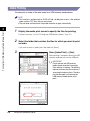
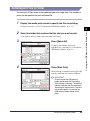
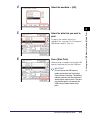
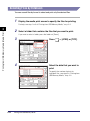
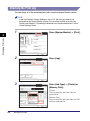
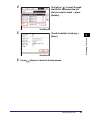
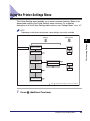
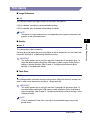
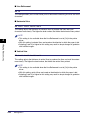
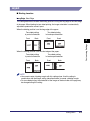
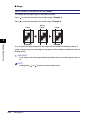
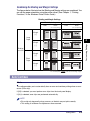
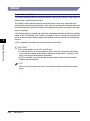
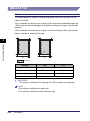
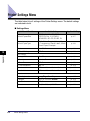
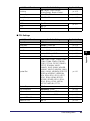
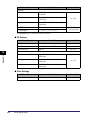
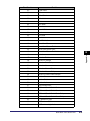
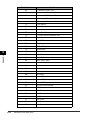
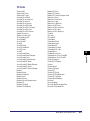
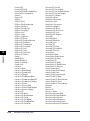
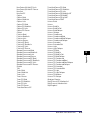
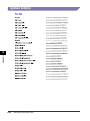
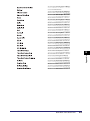
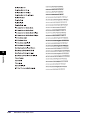
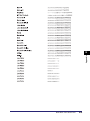
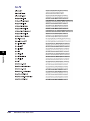
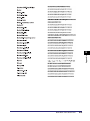
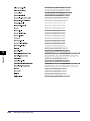
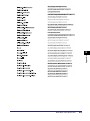
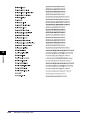
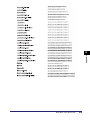
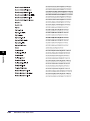
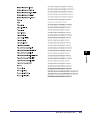
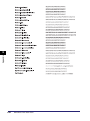
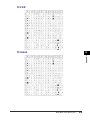
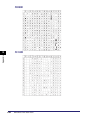
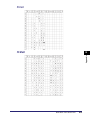
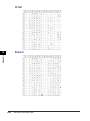
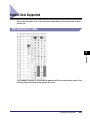
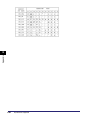
The Printer Settings menu enables you to access common features. Below is an
abbreviated outline of the Printer Settings menu structure. For a detailed
description of all the Printer Settings menu options, see “Settings Menu,” on p. 4-7.
NOTE
Depending on the printer environment, some settings may not be available.
Settings
Setting Value
Printer Settings
Default PaperSize
A4
Default PaperType
DL
Customizing Settings
4
Paper Save
PCL Settings
Font Number
0
104
PS Settings
Ppr Size Override
“
1
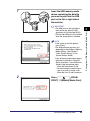
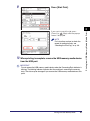
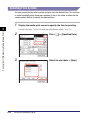
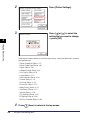
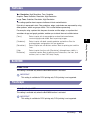
Press
” and “
” indicate that settings or levels are omitted.
(Additional Functions).
Using the Printer Settings Menu
4-5