1
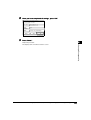
5
6
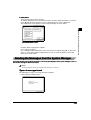
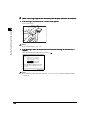
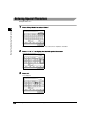
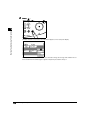
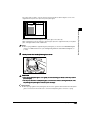
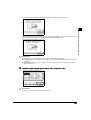
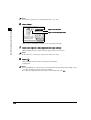
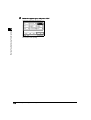
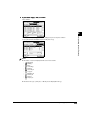
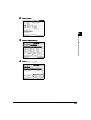
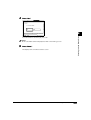
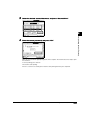
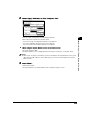
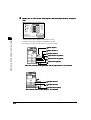
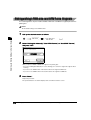
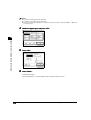
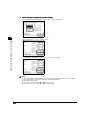
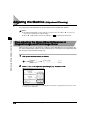
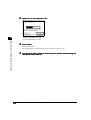
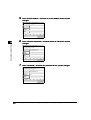
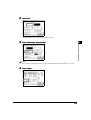
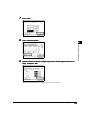
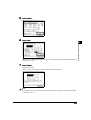
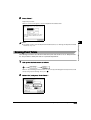
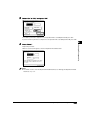
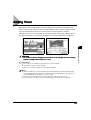
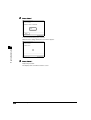
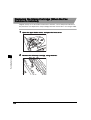
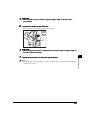
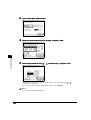
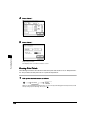
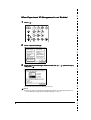
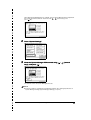
Press “Limit Functions.”
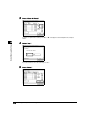
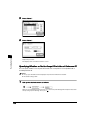
Select functions to which to apply Depar tment ID Management other than
Copy, and press “OK.”
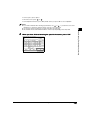
The functions for which Limit Functions has been set to “Off” are not subject to the Department ID
Management, except for printing.
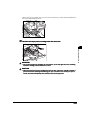
7
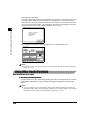
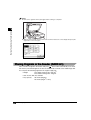
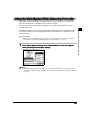
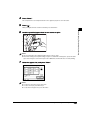
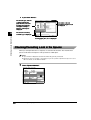
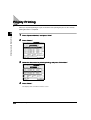
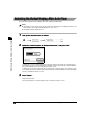
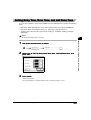
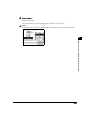
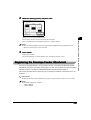
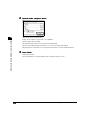
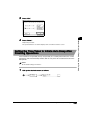
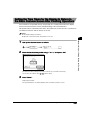
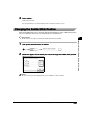
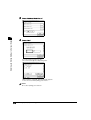
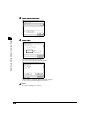
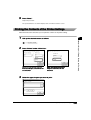
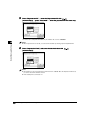
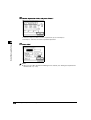
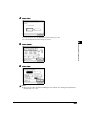
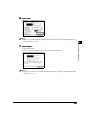
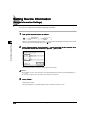
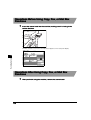
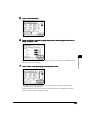
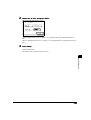
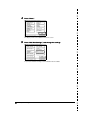
Press “Done” after specifying the Impression Limit.
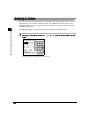
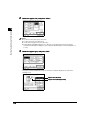
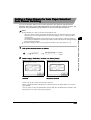
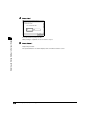
If you want to set the Impression Limit, press “Limit Impress.” The number of Impression Limit
specified in step 4 becomes effective.
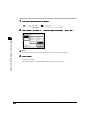
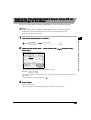
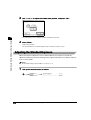
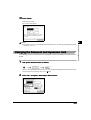
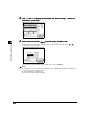
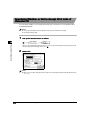
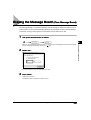
When the Impression Limit is set, the number of Impression Limit can be displayed on the Basic
Features screen if you press “Display Imp. Limit.”
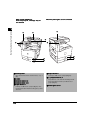
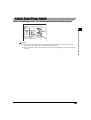
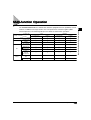
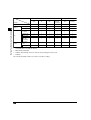
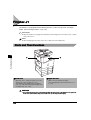
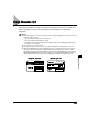
Card Reader-C1
7-83
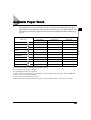
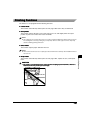
Handling Options
7