1
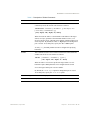
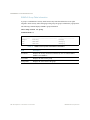
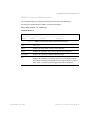
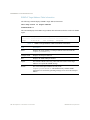
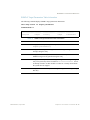
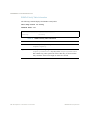
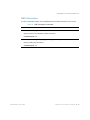
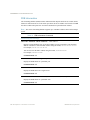
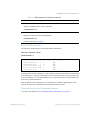
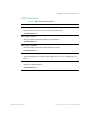
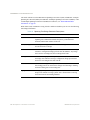
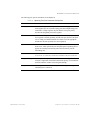
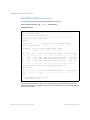
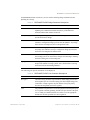
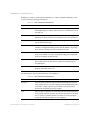
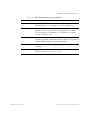
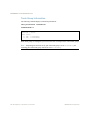
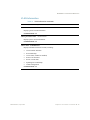
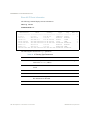
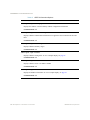
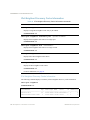
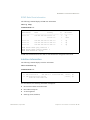
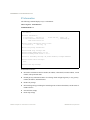
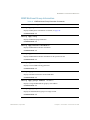
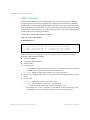
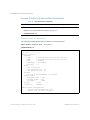
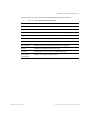
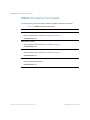
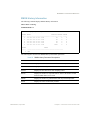
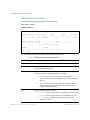
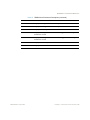
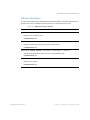
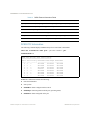
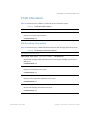
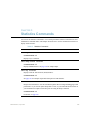
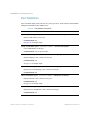
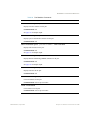
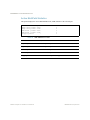
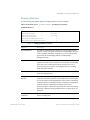
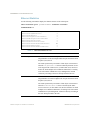
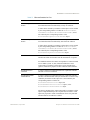
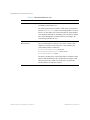
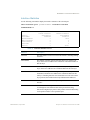
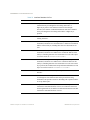
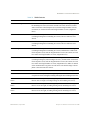
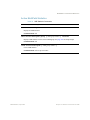
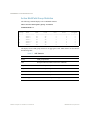
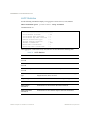
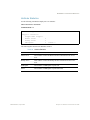
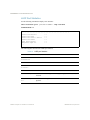
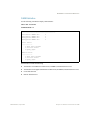
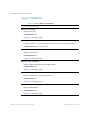
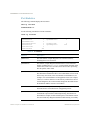
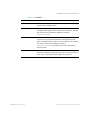
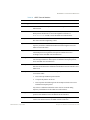
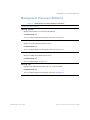
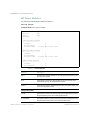
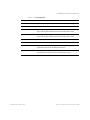
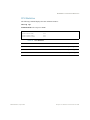
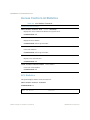
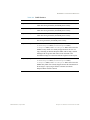
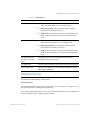
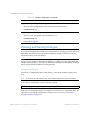
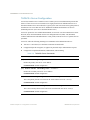
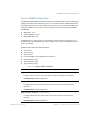
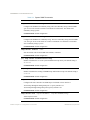
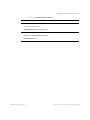
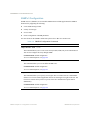
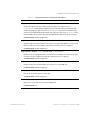
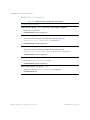
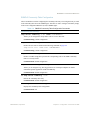
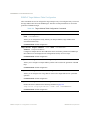
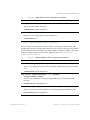
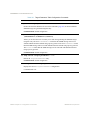
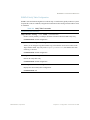
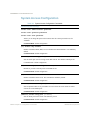
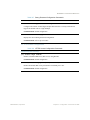
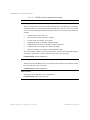
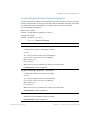
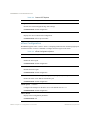
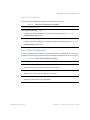
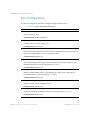
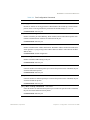
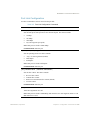
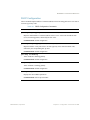
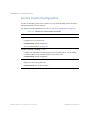
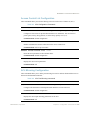
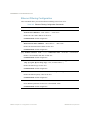
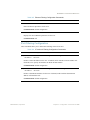
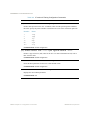
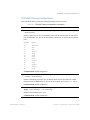
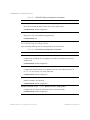
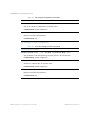
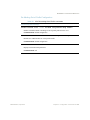
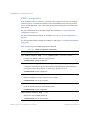
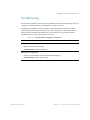
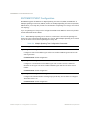
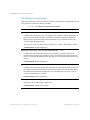
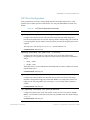
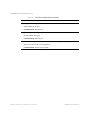
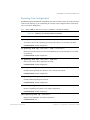
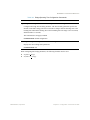
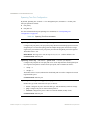
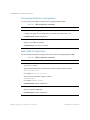
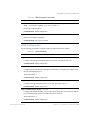
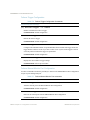
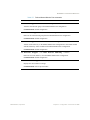
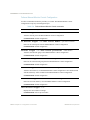
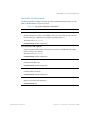
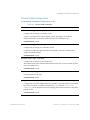
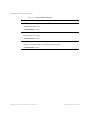
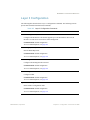
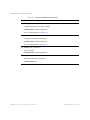
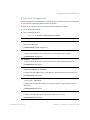
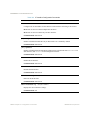
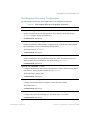
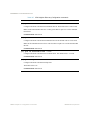
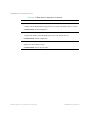
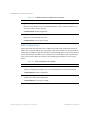
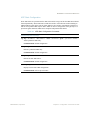
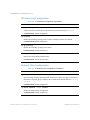
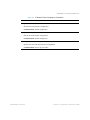
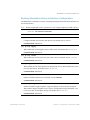
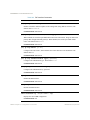
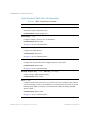
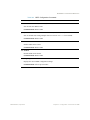
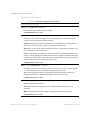
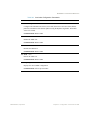
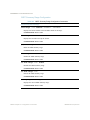
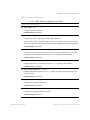
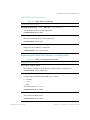
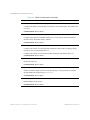
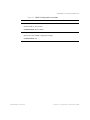
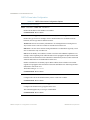
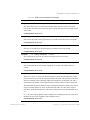
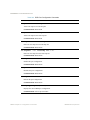
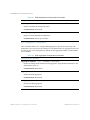
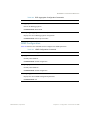
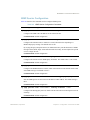
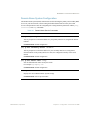
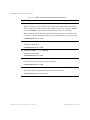
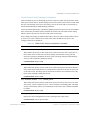
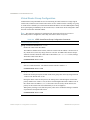
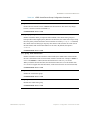
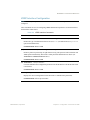
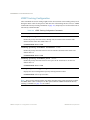
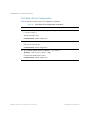
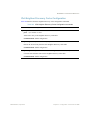
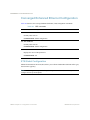
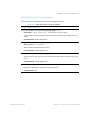
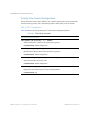
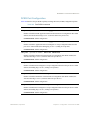
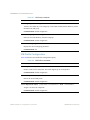
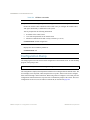
BLADEOS 6.3 Command Reference VRRP Tracking Configuration These commands are used for setting weights for the various criteria used to modify priority levels during the master router election process. Each time one of the tracking criteria is met (see “VRRP Virtual Router Priority Tracking Commands” on page 375), the priority level for the virtual router is increased by a defined amount. Table 239 VRRP Tracking Configuration Commands Command Syntax and Usage tracking-priority-increment virtual-routers <0-254> Defines the priority increment value (0 through 254) for virtual routers in master mode detected on this switch. The default value is 2. Command mode: Router VRRP tracking-priority-increment interfaces <0-254> Defines the priority increment value for active IP interfaces detected on this switch. The default value is 2. Command mode: Router VRRP tracking-priority-increment ports <0-254> Defines the priority increment value for active ports on the virtual router’s VLAN. The default value is 2. Command mode: Router VRRP show ip vrrp tracking-priority-increment Displays the current configuration of priority tracking increment values. Command mode: All except User EXEC Note – These priority tracking options only define increment values. These options do not affect the VRRP master router election process until options under the VRRP Virtual Router Priority Tracking Commands (see page 375) are enabled. 380 Chapter 4: Configuration Commands BMD00186-B, April 2010