1
11. MY VIAMICHELIN
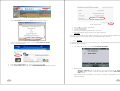
My ViaMichelin contains all your personalised saved items directly on your ViaMichelin portable GPS
device or transferred to your MyViaMichelin account on the www.ViaMichelin.com web site.
You can access this directory via a number of menus, for example, with the Main Menu > Before you set off>
Managing My ViaMichelin
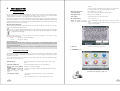
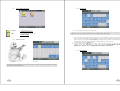
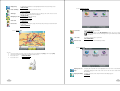
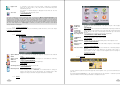
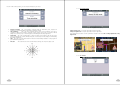
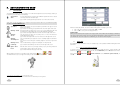
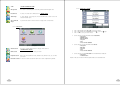
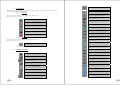
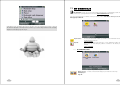
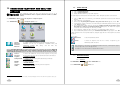
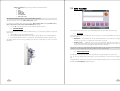
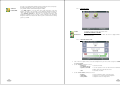
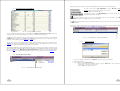
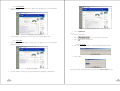
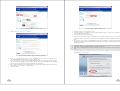
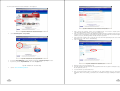
Fig. 70 – Signal / Display Useful Addresses - Details
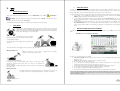
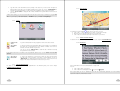
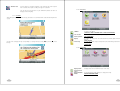
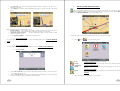
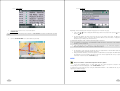
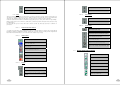
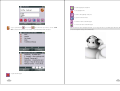
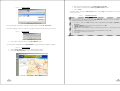
In Navigation mode, POI display takes place in real time. The icons symbolising the position of the POIs
are therefore displayed on the map and move with it. If you select a large number of POIs to display,
navigation screen display may take longer.
My favourites
My POIs
11.1.
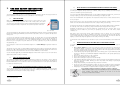
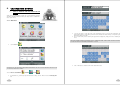
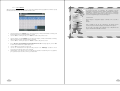
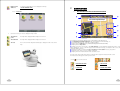
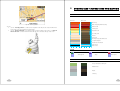
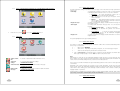
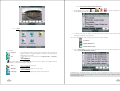
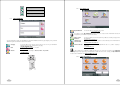
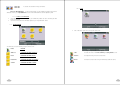
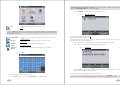
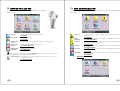
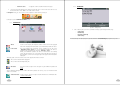
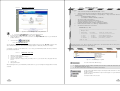
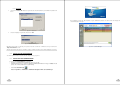
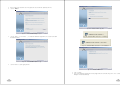
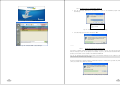
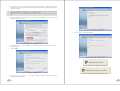
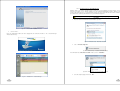
Fig. 71 – My ViaMichelin
To access your saved items created on your PND or on the ViaMichelin web site
and transferred to your device.
> MY FAVOURITES
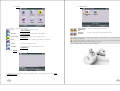
To access the directories and saved items on your ViaMichelin portable GPS
device (“asc” files from third-party software or available on the Internet, for
example).
> MY POI ACTIONS
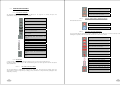
MY VIAMICHELIN OPTIONS
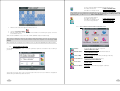
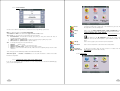
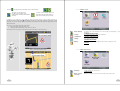
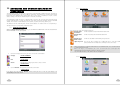
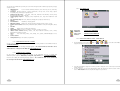
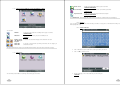
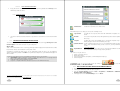
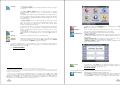
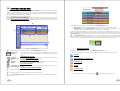
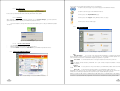
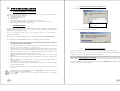
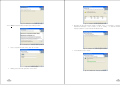
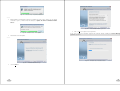
Fig. 72 – My ViaMichelin Options
Display on map
ON/ Display on
map OFF
65
To activate or deactivate the display of your saved items on the map.
66