1
Channels
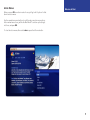
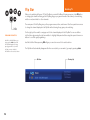
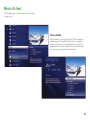
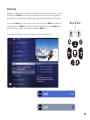
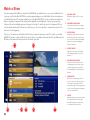
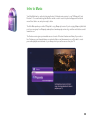
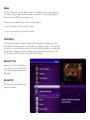
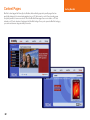
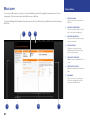
When you first press the Moxi button, you’ll be in the Channels category on the horizontal menu. The Channels
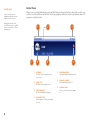
category lists all of the shows currently in your TV lineup. When you see a show you like, press the OK button
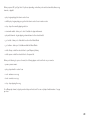
to see a program info note with an action menu of options.
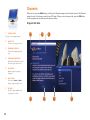
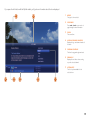
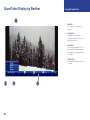
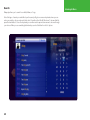
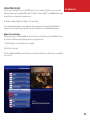
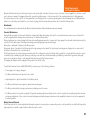
Program Info Note
1
CHANNEL LOGO
The logo for the program’s channel
2
HOW TITLE
S
The name of the program or item
3
ROGRAM SCHEDULE
P
The time the program begins and
ends
4
ROGRAM INFORMATION
P
Additional show information, such as
show title, repeat, cast and crew
5
OTE PAGES
N
Number of pages of program
information
6
EXT & BACK
N
Tips to use the Back and Next
buttons to page through the note
7
PTIONS
O
The list of options available for the
selected piece of media
1
4
14
2
3
5
6
7