1
Voice forms
7-75
Testing the voice form
Testing the voice form
Description
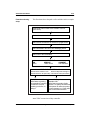
When you have finished configuring a voice form and have
defined a DN for the form and the transcription service, test it
before making it available. Test the caller interface and the
transcriber interface. If you have to make any modifications to
the voice form based on your testing, be sure to test the form
again. Continue with this process until you are satisfied with the
way in which the voice form and the transcription service
operate.
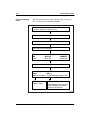
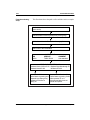
The administrator should be the first one to test the form to
verify that it works as planned and configured. Call the form a
few times and record a few responses. As you are testing, try to
activate each feature that you have configured. For example, if
you configured the New Responses MWI Notification DN as
2005, record a response and see if extension 2005 has its MWI
turned on. Then log on to the transcription service and test it.
Once you have tested it, find a few people who would be willing
to call the voice form and review it from the caller’s
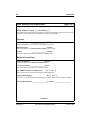
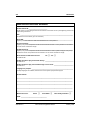
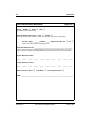
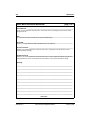
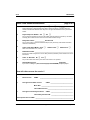
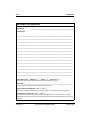
perspective. Ask them to complete the caller survey that is
included in Appendix A, “Worksheets.” Give the callers the DN
and the survey form only. Do not provide any other instructions,
clues, things to look out for, and so on. Real callers will not
have the benefit of such “inside information.”
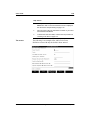
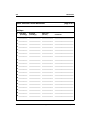
Have a few people (actual transcribers if possible) access the
transcription service and transcribe the test responses. Use the
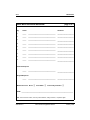
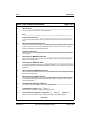
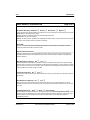
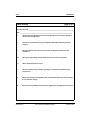
Transcriber Survey that is included in Appendix A to get some
feedback on the voice form from the transcriber’s perspective.
Based on the information collected from your callers and
transcribers, identify solutions that resolve the needs of both the
caller and the transcriber.
Note: If an improvement to the transcription interface has an
adverse effect on the caller interface, consider the change
carefully. The voice form is there for the caller’s use, and you
should try to avoid sacrificing customer service.
Standard 1.0
Voice Services Application Guide
January 1998