1
8-24
Time-of-day controllers
Making the time-of-day controller accessible
Making the time-of-day controller accessible
Introduction
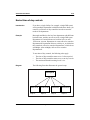
You can make a time-of-day controller accessible to callers in
one of three ways:
•
•
•
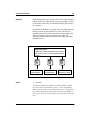
direct access
indirectly through a voice menu
indirectly through another time-of-day controller
Direct access
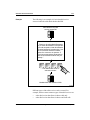
Callers access the time-of-day controller by dialing the
VSDN of the time-of-day controller.
Procedure: Making a
time-of-day controller
directly accessible
This procedure assumes that there are available ACD DNs on
the Meridian 1 (or line DNs if your system is connected to a
DMS switch).
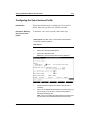
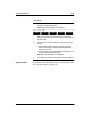
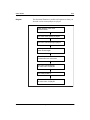
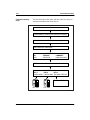
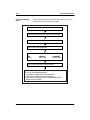
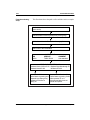
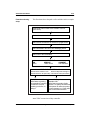
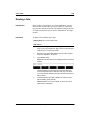
To make a time-of-day controller directly accessible, follow
these steps.
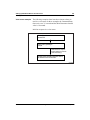
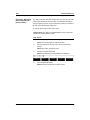
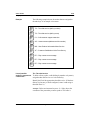
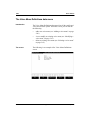
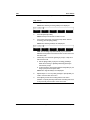
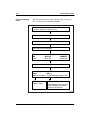
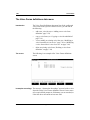
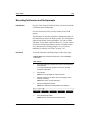
Starting Point: The Voice Services Administration menu
Step Action
1
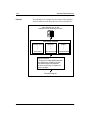
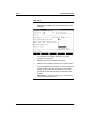
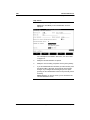
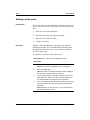
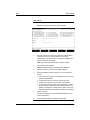
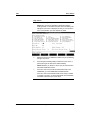
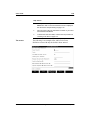
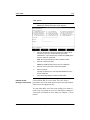
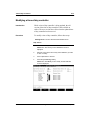
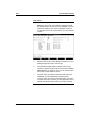
Select Voice Services-DN Table.
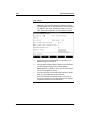
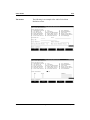
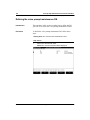
Result: The Voice Services-DN Table is displayed.
Standard 1.0
Voice Services Application Guide
January 1998