1
Time-of-day controllers
8-33
Deleting a time-of-day controller
Deleting a time-of-day controller
Introduction
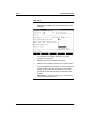
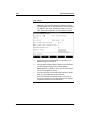
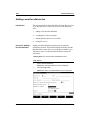
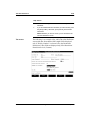
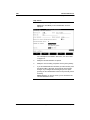
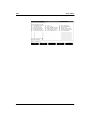
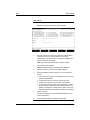
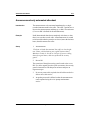
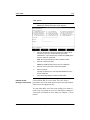
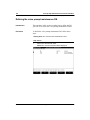
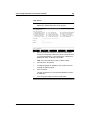
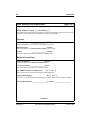
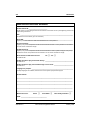
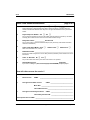
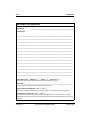
Time-of-day controllers are deleted from the Delete a Timeof-Day Control Definition screen. The fields in this screen
are read-only.
Time-of-day
controllers
associated with a
voice menu or another
time-of-day controller
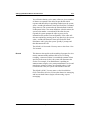
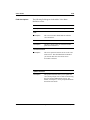
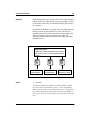
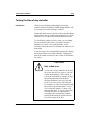
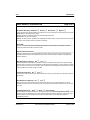
If the time-of-day controller you are deleting is associated
with a voice menu or another time-of-day controller, be sure
to modify the appropriate definitions to account for the
absence of this time-of-day controller (that is, remove
references to this time-of-day control ID within the voice
menu or time-of-day controller definition). If the time-of-day
controller is associated with an entry in the VSDN table, be
sure to delete it. VSDNs must not point to deleted services.
The system does not perform a sanity check to ensure against
this.
Procedure
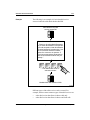
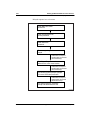
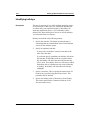
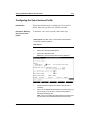
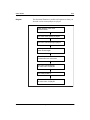
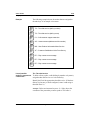
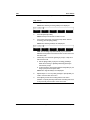
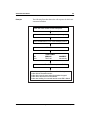
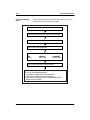
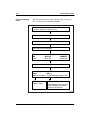
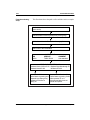
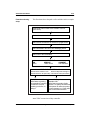
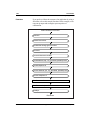
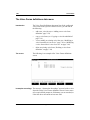
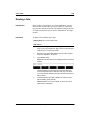
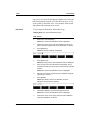
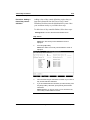
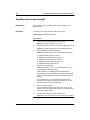
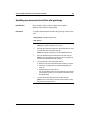
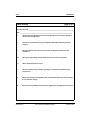
To delete a time-of-day control definition, follow these steps.
Starting Point: The Voice Services Administration menu
Step Action
1
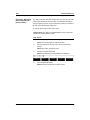
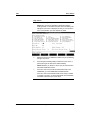
Select Time-of-Day Control Definitions.
Result: The Time-of-Day Control Definitions screen is
displayed.
Standard 1.0
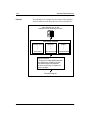
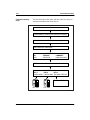
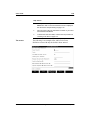
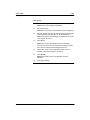
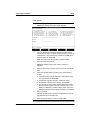
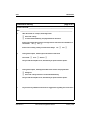
2
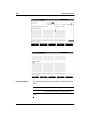
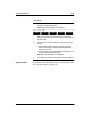
Move the cursor to the time-of-day control definition you want
to delete.
3
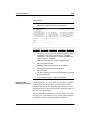
Press <Spacebar> to select it.
Voice Services Application Guide
January 1998