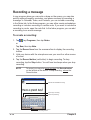
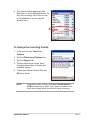
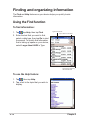
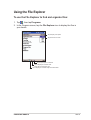
1
Photo Editor
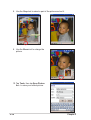
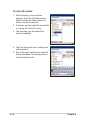
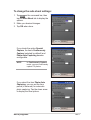
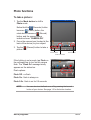
Tap the Photo Editor icon to launch the
application and customize images to your
preference. You can add special effects like
blurring, sepia, negative, neon, and even place
photots in a frame. You can even add text or
caption to the image to make it more descriptive.
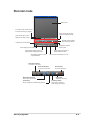
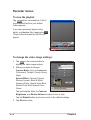
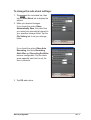
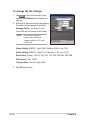
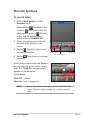
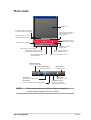
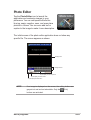
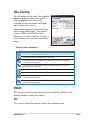
The initial screen of the photo editor application does not show any
specific file. The screen appears as shown.
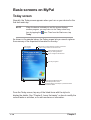
Display area
Editing buttons
Tap to display the zoom options
Tap to display the Tools menu
Tap to display the File menu
NOTE
If no image is displayed on the screen, the editing buttons are
grayed out and and not selectable. Only the
buttons are activated.
ASUS programs
(Exit)
4-25