1
Pop-up menus
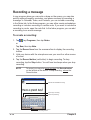
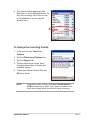
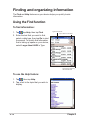
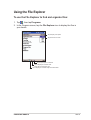
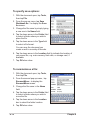
With the pop-up menus, you can easily choose an action for an item. For
example, you can use the pop-up menu in File Explorer to delete, copy,
or beam an item.
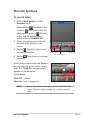
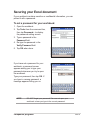
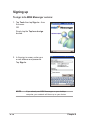
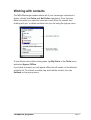
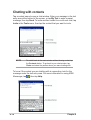
To access a pop-up menu, tap and hold the stylus on the item that you
wish to perform action on. When the menu appears, lift the stylus, and tap
the action that you want to execute. To close the pop-up menu without
performing an action, tap anywhere outside the menu.
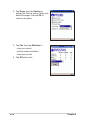
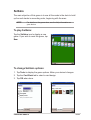
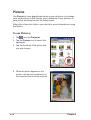
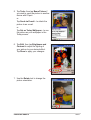
Tap outside the pop-up menu to close it
without performing an action
Tap and hold until the pop-up menu appears
Tap the action that you wish to perform
NOTE
1-18
The pop-up menus are also available in most other programs
on your device; however, the pop-up menu items vary
depending on the program or application.
Chapter 1