1
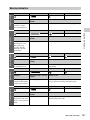
Table of Contents
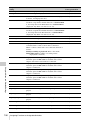
Foreword ...................................................................................................... 8
Before Use......................................................................................... 8
Chapter 1 : Overview
Features ........................................................................................................ 9
Locations and Functions of Parts and Controls......................................
Power Supply ..................................................................................
Accessory Attachments...................................................................
Operating and Connectors Section..................................................
Monochrome LCD Panel ................................................................
Auto Focus Lens (Supplied with the PMW-400K).........................
Viewfinder.......................................................................................
11
11
12
13
21
22
24
Viewfinder Screen Display........................................................................ 25
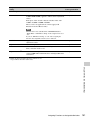
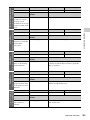
Chapter 2 : Preparations
Preparing a Power Supply ........................................................................ 29
Using a Battery Pack....................................................................... 29
Using AC Power ............................................................................. 29
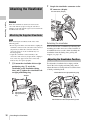
Attaching the Viewfinder ..........................................................................
Attaching the Supplied Viewfinder.................................................
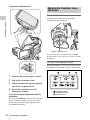
Adjusting the Viewfinder Position..................................................
Adjusting the Viewfinder Angle .....................................................
Lifting Up the Viewfinder Barrel and Eyepiece .............................
Adjusting the Viewfinder Focus and Screen...................................
Using the BKW-401 Viewfinder Rotation Bracket ........................
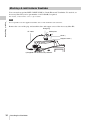
Attaching a 5-inch Electronic Viewfinder ......................................
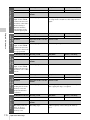
30
30
30
31
31
32
33
34
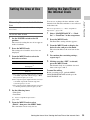
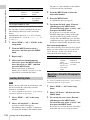
Setting the Area of Use .............................................................................. 35
Setting the Date/Time of the Internal Clock ........................................... 35
Mounting and Adjusting the Lens............................................................ 36
Adjusting the Flange Focal Length ................................................. 36
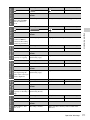
Preparing the Audio Input System .......................................................... 38
Connecting a Microphone to the MIC IN Connector...................... 38
Connecting Microphones to the AUDIO IN Connectors................ 39
Attaching a UHF Portable Tuner (for a UHF Wireless Microphone
System) ..................................................................................... 40
2
Table of Contents