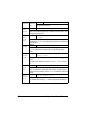
1
6
7
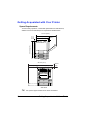
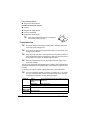
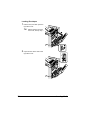
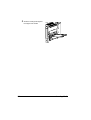
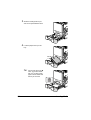
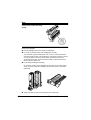
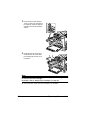
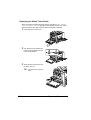
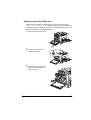
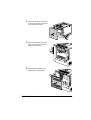
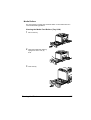
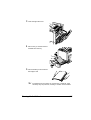
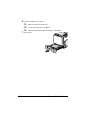
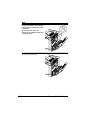
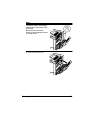
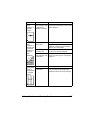
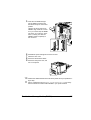
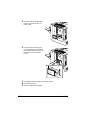
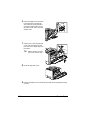
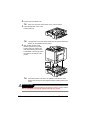
Open the duplex cover, and then
turn both knobs counterclockwise until they are horizontal to
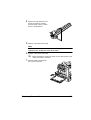
secure the duplex option to the
right side cover. Then, close the
duplex cover.
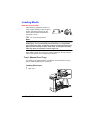
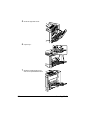
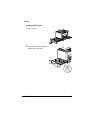
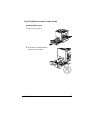
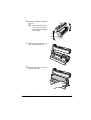
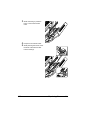
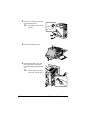
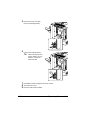
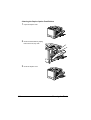
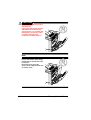
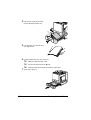
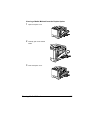
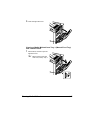
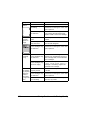
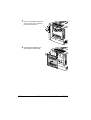
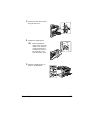
Pull the lever, open the right side
cover, and then attach the support wire for the duplex option to
the printer.
!"
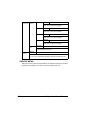
8
9
180
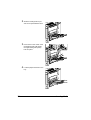
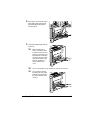
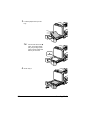
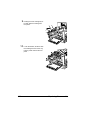
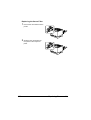
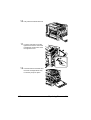
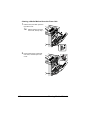
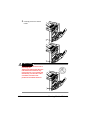
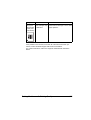
Before opening the right
side cover, fold up Tray 1.
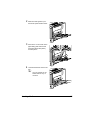
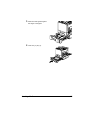
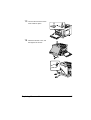
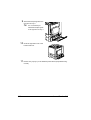
Close the right side cover.
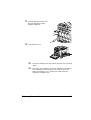
Declare the duplex unit in the Windows printer driver (Properties/Configure tab).
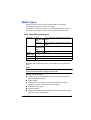
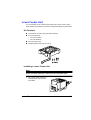
Duplex Option