1
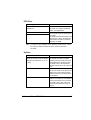
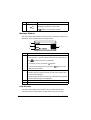
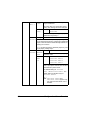
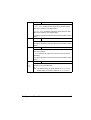
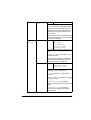
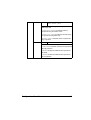
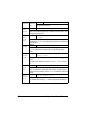
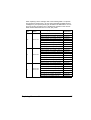
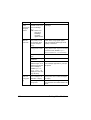
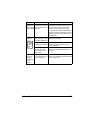
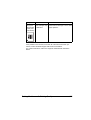
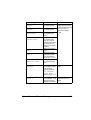
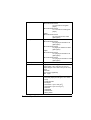
RGB
INTENT
Settings
VIVID/PHOTOGRAPHIC/
RELATIVE COLOR/
ABSOLUTE COLOR
Specify the characteristic when converting
RGB text data to CMYK data.
If VIVID is selected, a vivid output is
produced.
If PHOTOGRAPHIC is selected, a brighter
output is produced.
If RELATIVE COLOR is selected,
relative color is applied to the RGB source
profile.
If ABSOLUTE COLOR is selected,
absolute color is applied to the RGB
source profile.
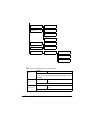
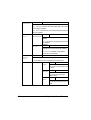
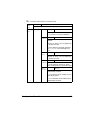
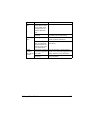
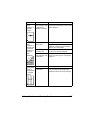
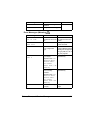
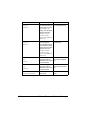
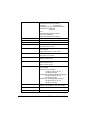
RGB GRAY
Settings
COMPOSITE BLACK/
BLACK AND GRAY/BLACK
ONLY
Specify how black and grays are
reproduced in RGB text data.
If COMPOSITE BLACK is selected, black
is reproduced using the CMYK colors.
If BLACK AND GRAY is selected, black
and gray are reproduced using black only.
If BLACK ONLY is selected, black is
reproduced using only black.
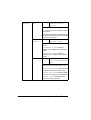
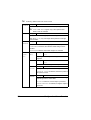
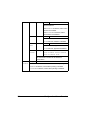
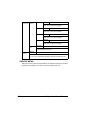
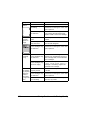
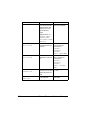
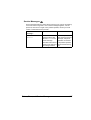
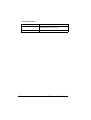
HALFTONE
Settings
LINE ART/DETAIL/
SMOOTH
Select how halftones are reproduced.
If LINE ART is selected, halftones are
reproduced with high precision.
If DETAIL is selected, halftones are
reproduced with detail.
If SMOOTH is selected, halftones are
reproduced with smoothness.
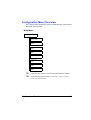
Configuration Menu Overview
47