1
!"
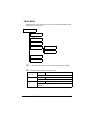
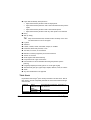
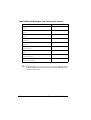
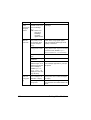
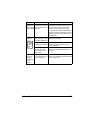
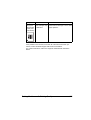
All factory default values are shown in bold.
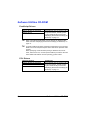
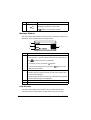
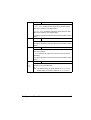
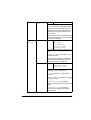
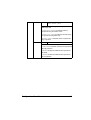
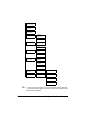
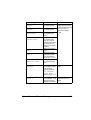
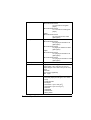
PAPER Settings
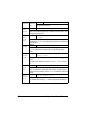
TRAY1/TRAY2/TRAY3/TRAY4
SOURCE Select the tray that is used for camera direct printing.
!" TRAY3 and TRAY4 appear only if the optional lower
feeder units are installed.
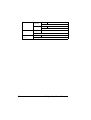
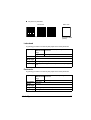
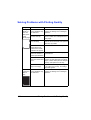
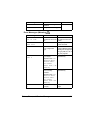
LAYOUT Settings
1-UP/2-UP/3-UP/4-UP/6-UP/8-UP
Specify the number of images printed on a single sheet of media.
When set to 1-UP, only one image will be printed on a single
sheet of media.
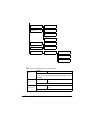
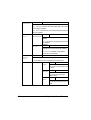
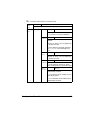
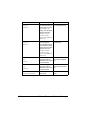
PAPER Settings
STANDARD/MINIMUM
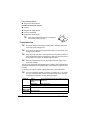
MARGIN Select the size of the media margins (area that is not printed in).
If STANDARD is selected, the standard media margin size is
specified.
If MINIMUM is selected, the media margins are reduced.
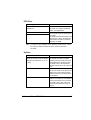
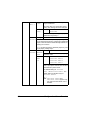
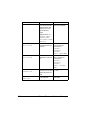
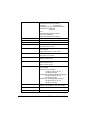
IMAGE
QUALITY
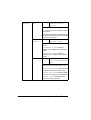
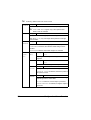
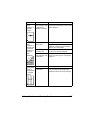
BRIGHT- Settings
NESS
-15%/-10%/-5%/0%/+5%/+10%/
+15%
The brightness of the printed image can be
adjusted.
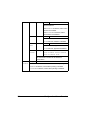
CONTRAST Settings
-15%/-10%/-5%/0%/+5%/+10%/
+15%
The contrast of the image can be adjusted.
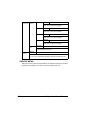
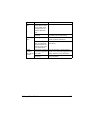
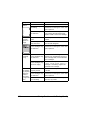
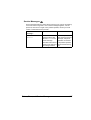
RGB
SOURCE
Settings
DEVICE COLOR/sRGB
Specify the color space for RGB image data.
If DEVICE COLOR is selected, the device profile of
this printer is used.
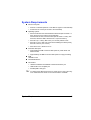
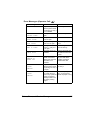
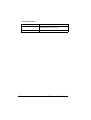
RGB
INTENT
Settings
VIVID/PHOTOGRAPHIC
Specify the characteristic applied when converting
RGB image data to CMYK data.
If VIVID is selected, a vivid output is produced.
If PHOTOGRAPHIC is selected, a brighter output is
produced.
50
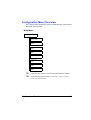
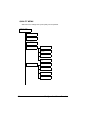
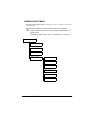
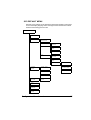
Configuration Menu Overview