1
Changing Camera Settings
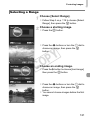
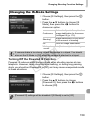
Setting the Screen Shut-Off Time
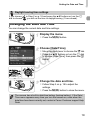
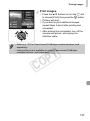
You can adjust the time the screen takes to shut off automatically (p. 48). This
also works when [Auto Power Down] is set to [Off].
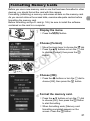
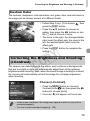
z Choose [Power Saving], then press the m
button.
z Press the op buttons or turn the 5 dial
to choose [Display Off], then press the qr
buttons to choose a time.
z In order to save battery power, you should
choose less than [1 min.].
Using the World Clock
When traveling abroad, you can record images with local dates and times simply
by switching the time zone setting. If you pre-register the destination time zones,
you can enjoy the convenience of not having to switch the Date/Time settings.
To use the world clock, be sure to set the date/time (p. 18) and your home
time zone beforehand.
C
Y
P
O
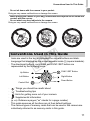
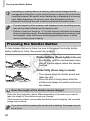
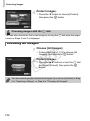
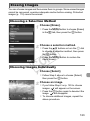
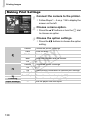
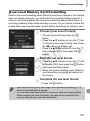
Set the world time zone.
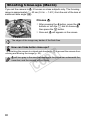
z Choose [Time Zone], then press the m
button.
z Press the op buttons or turn the 5 dial to
choose [
World], then press the m button.
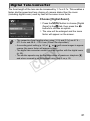
z Press the qr buttons or turn the 5 dial to
choose the world time zone.
z To set daylight saving time (adds 1 hour),
press the op buttons to choose
.
z Press the m button.
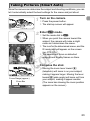
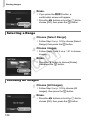
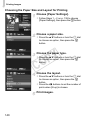
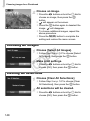
Choose the world time zone.
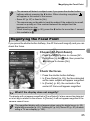
z Press the op buttons or turn the 5 dial
to choose [ World], then press the
n button.
X
will appear on the shooting screen
(p. 173).
155