1
Returning the Camera to Default Settings
When you have mistakenly changed a setting, you can reset the camera to
the default settings.
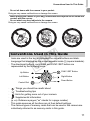
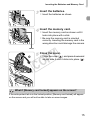
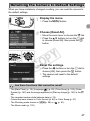
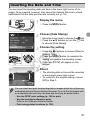
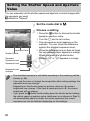
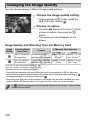
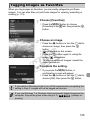
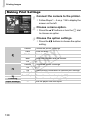
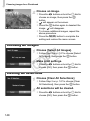
Display the menu.
z Press the n button.
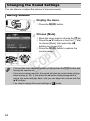
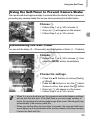
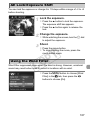
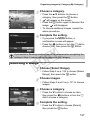
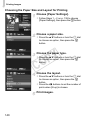
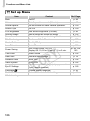
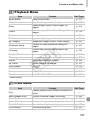
Choose [Reset All].
z Move the zoom lever to choose the 3 tab.
z Press the op buttons or turn the 5 dial
to choose [Reset All], then press the m
button.
C
Y
P
O
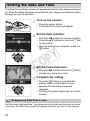
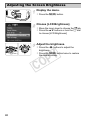
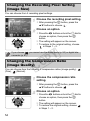
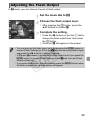
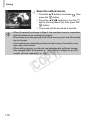
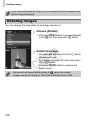
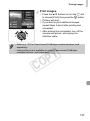
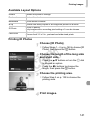
Reset the settings.
z Press the qr buttons or turn the 5 dial to
choose [OK], then press the m button.
X The camera will reset to the default
settings.
Are there functions that cannot be reset?
• The [Date/Time] (p. 19), [Language
] (p. 20), [Time Zone] (p. 155), [Video
System] (p. 162) and the image registered in [Start-up Image] (p. 152) in the 3
tab.
• The recorded custom white balance data (p. 76).
• Colors that were chosen in Color Accent (p. 66) or Color Swap (p. 67).
• The Shooting mode chosen in K (p. 58) or
(p. 61).
• The Movie mode (p. 102).
47