1
Setting Up the Cabling Infrastructure
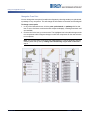
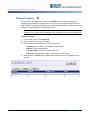
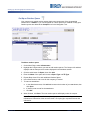
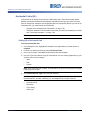
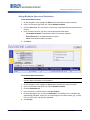
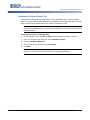
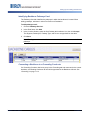
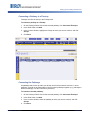
Connecting a Pathway to a Firestop
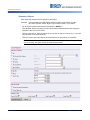
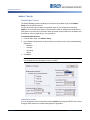
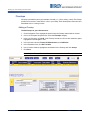
Firestops must first be set up in the Firestops tab.
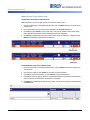
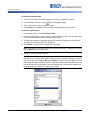
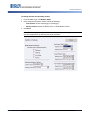
To connect a pathway to a firestop:
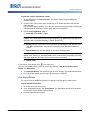
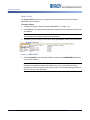
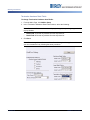
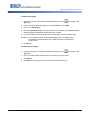
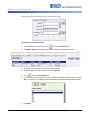
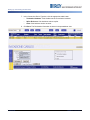
1. On the Pathways Detail View for the selected pathway, click Connected Firestops.
2. In the Detail View, click Add.
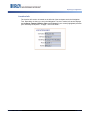
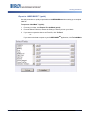
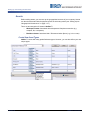
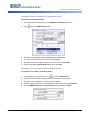
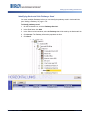
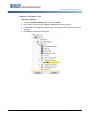
3. In the Location window, highlight the firestop to which you want to connect, and click
Accept.
4. Click Save.
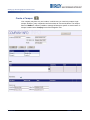
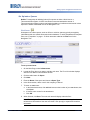
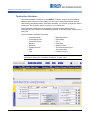
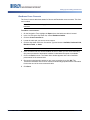
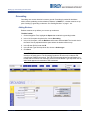
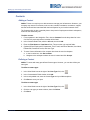
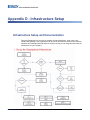
Connecting the Pathways
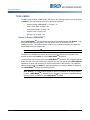
All pathways that are set up within your facility can be interconnected. However, in some
situations, it would not be reasonable to connect certain pathways together (e.g., pathways in
different buildings). Use the connections judiciously.
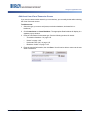
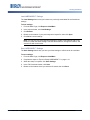
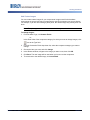
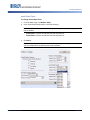
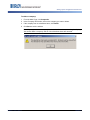
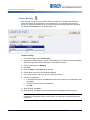
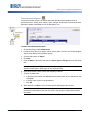
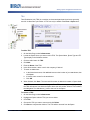
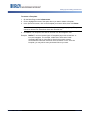
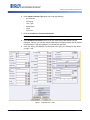
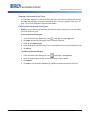
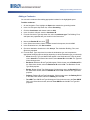
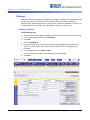
To connect to another pathway:
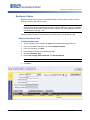
1. On the Pathways Detail View for the selected pathway, click Connected Firestops.
2. In the Detail View, click Add.
3. In the Location window, select the pathway to which you want to connect, and click
Accept.
4. Click Save.
NetDoc™ User’s Manual
1-123 Rev B