1
Sending a Fax by Normal Dialing
Sending a Fax by Normal Dialing
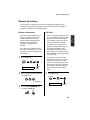
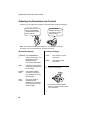
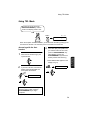
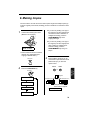
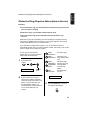
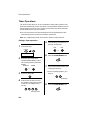
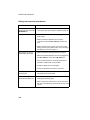
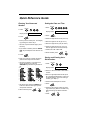
With Normal Dialing, you pick up the handset (or press the SPEAKER key) and dial
by pressing the number keys.
♦If a person answers, you can talk with them through the handset before sending
the fax. (If you pressed the SPEAKER key, you must pick up the handset to talk.)
♦Normal Dialing allows you to listen to the line and make sure the other fax
machine is responding.
1
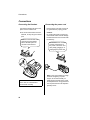
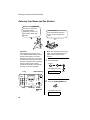
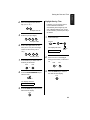
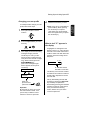
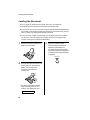
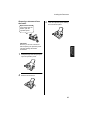
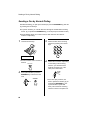
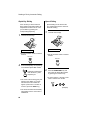
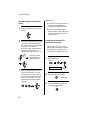
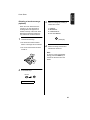
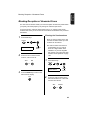
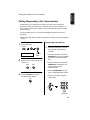
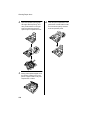
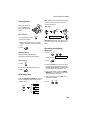
Load the document(s).
3
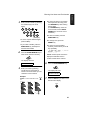
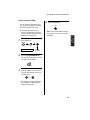
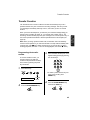
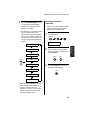
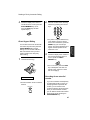
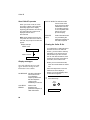
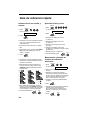
Dial the number of the receiving
machine by pressing the number
keys.
ABC
DEF
1
GHI
4
PQRS
7
2
JKL
3
MNO
5
TUV
6
WXYZ
8
9
READY TO SEND
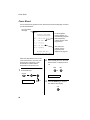
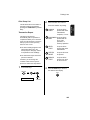
• Set the resolution and/or contrast if
desired.
RESOLUTION
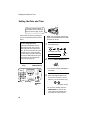
2
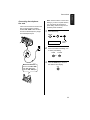
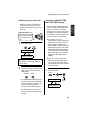
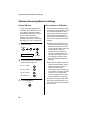
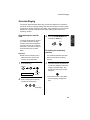
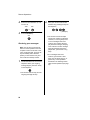
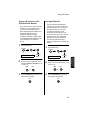
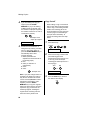
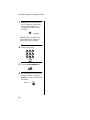
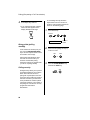
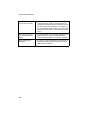
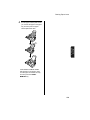
Pick up the handset or press the
SPEAKER key. Listen for the dial
tone.
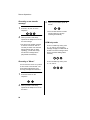
SPEAKER
or
60
4
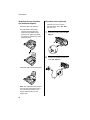
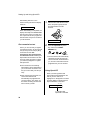
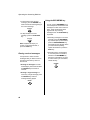
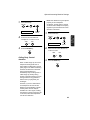
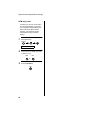
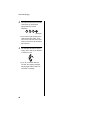
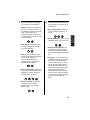
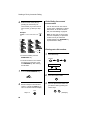
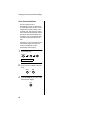
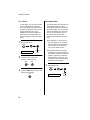
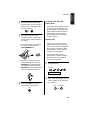
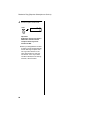
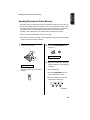
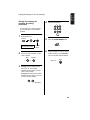
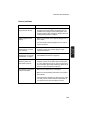
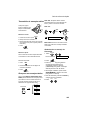
Wait for the connection. Depending
on the setting of the receiving
machine, you will either hear a
facsimile reception tone or the
other person will answer.
Beep
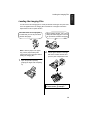
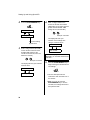
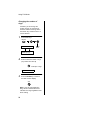
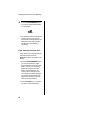
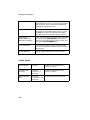
• If the other party answers, ask
them to press their Start key (if you
pressed the SPEAKER key, pick
up the handset to speak with
them). This causes the receiving
machine to issue a reception tone.