1
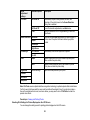
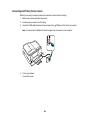
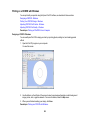
Note: Epson Scan is not available for Mac OS X 10.6 or 10.7.
Parent topic: Solving Network Problems
Related topics
Scanning
Printing a Network Status Sheet
You can print a network status sheet to help you determine the causes of any problems you may have
using your product on a network.
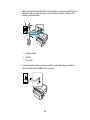
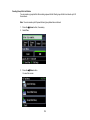
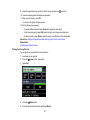
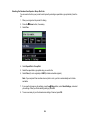
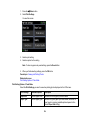
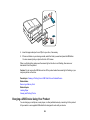
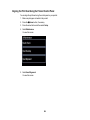
1. Press the
Home button, if necessary.
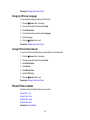
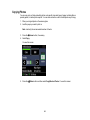
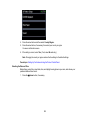
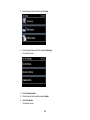
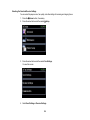
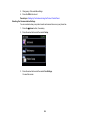
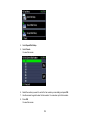
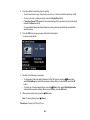
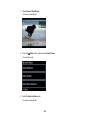
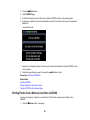
2. Press the arrow buttons and then select Setup.
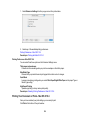
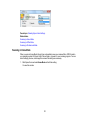
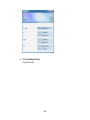
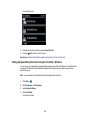
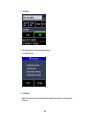
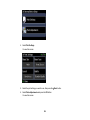
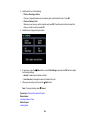
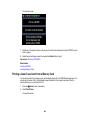
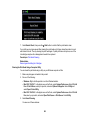
3. Select Wi-Fi/Network Settings.
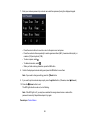
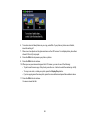
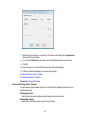
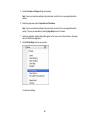
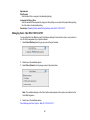
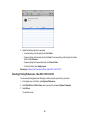
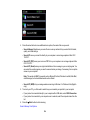
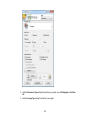
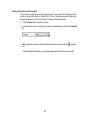
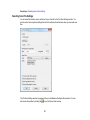
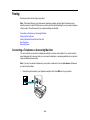
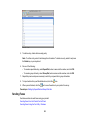
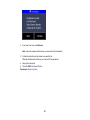
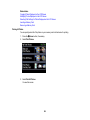
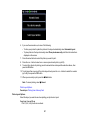
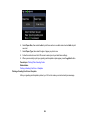
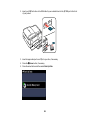
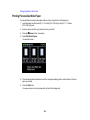
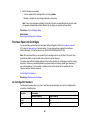
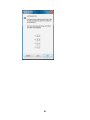
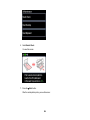
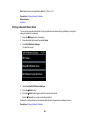
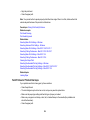
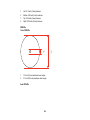
You see this screen:
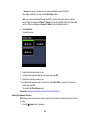
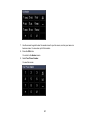
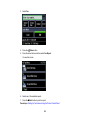
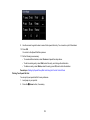
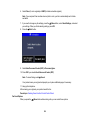
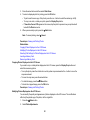
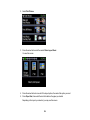
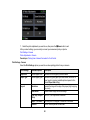
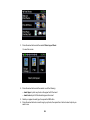
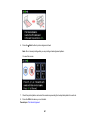
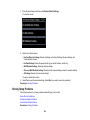
4. Select Confirm Wi-Fi/Network Settings.
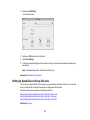
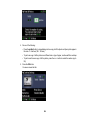
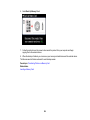
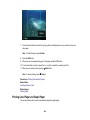
5. Press the
Start button.
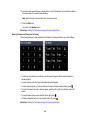
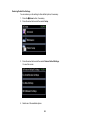
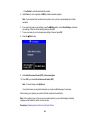
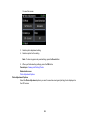
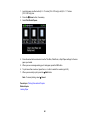
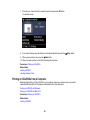
6. Press the
Start button again to print the network status sheet.
(Select
Cancel if you want to cancel the operation.)
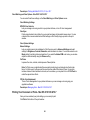
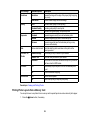
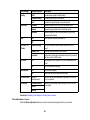
Examine the settings shown on the network status sheet to diagnose any problems you have.
Parent topic: Solving Network Problems
305