1
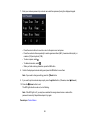
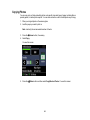
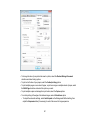
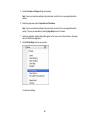
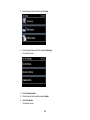
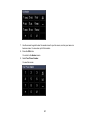
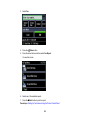
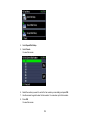
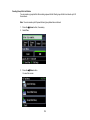
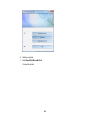
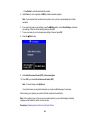
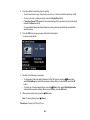
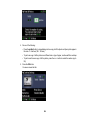
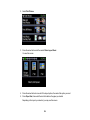
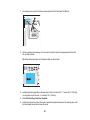
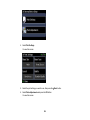
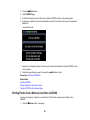
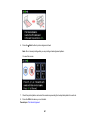
6. Select any date shown, then press the OK button.
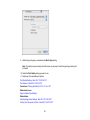
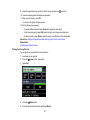
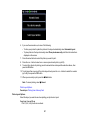
7. To print more than one copy of all the photos taken on that date, press the + or – button to select the
number (up to 99). Then press the OK button.
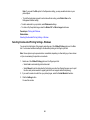
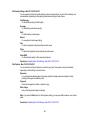
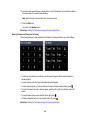
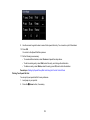
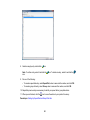
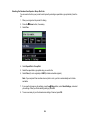
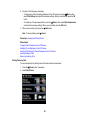
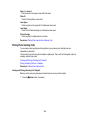
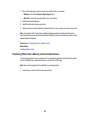
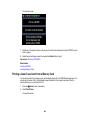
8. Press the arrow buttons to scroll through your photos. If necessary, press the + or – button to adjust
the number of individual photos to print.
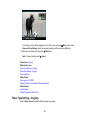
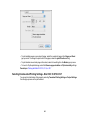
• To crop, zoom into, or rotate your photo, press the Display/Crop button.
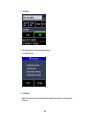
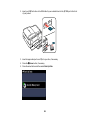
• If View Auto Correct: Off appears on the screen, tap the photo to preview how your printouts will
look with Fix Photo turned on.
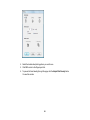
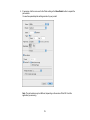
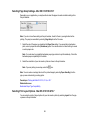
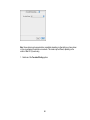
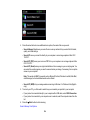
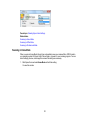
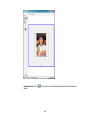
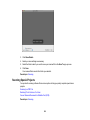
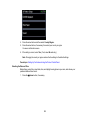
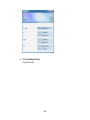
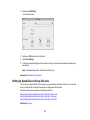
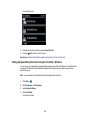
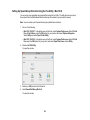
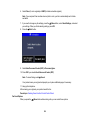
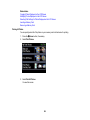
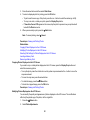
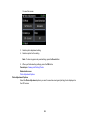
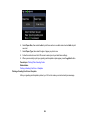
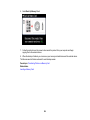
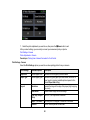
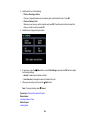
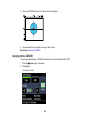
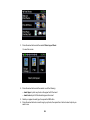
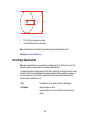
9. Press the OK button to see a preview of the photos that will print.
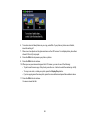
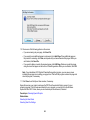
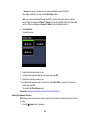
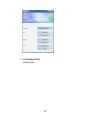
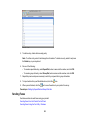
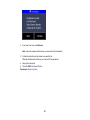
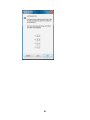
You see a screen like this:
209