1
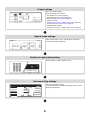
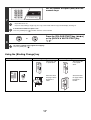
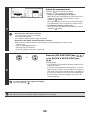
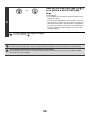
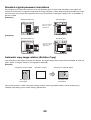
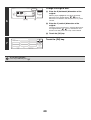
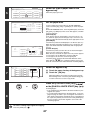
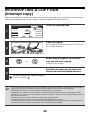
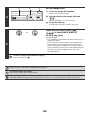
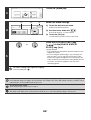
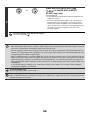
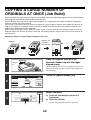
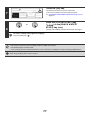
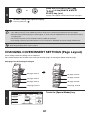
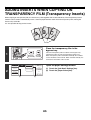
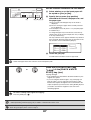
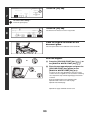
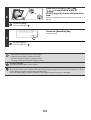
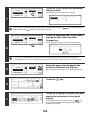
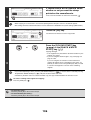
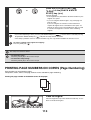
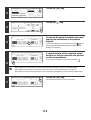
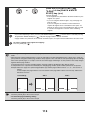
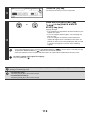
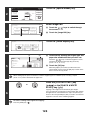
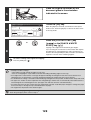
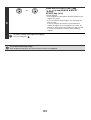
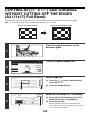
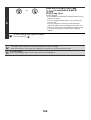
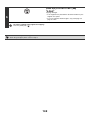
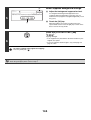
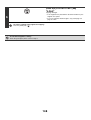
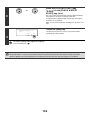
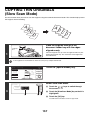
Press the [COLOUR START] key
(
).
Copying will begin.
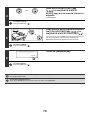
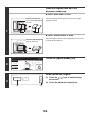
• If the originals were placed in the document feeder tray, the
originals are copied.
• If you are using the document glass, copy each page one
page at a time.
6
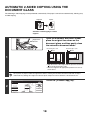
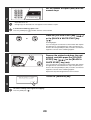
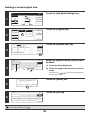
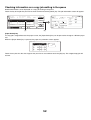
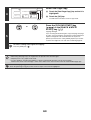
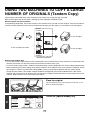
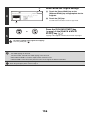
To cancel scanning of the original and copying...
Press the [STOP] key (
).
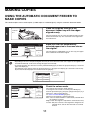
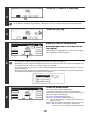
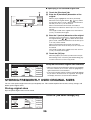
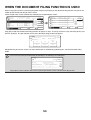
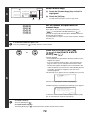
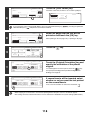
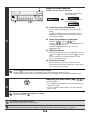
To cancel the sharpness setting...
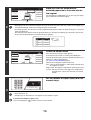
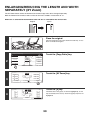
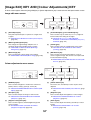
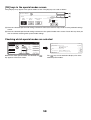
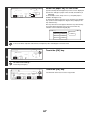
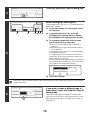
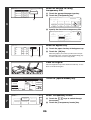
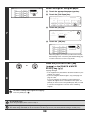
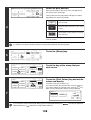
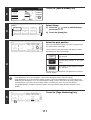
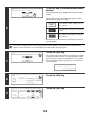
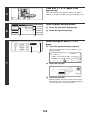
Touch the [Cancel] key in the screen of step 5.
142