1
Managing Your Scanned Images
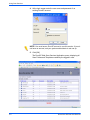
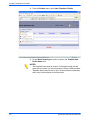
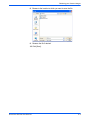
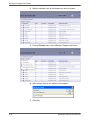
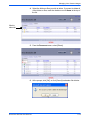
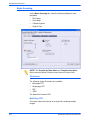
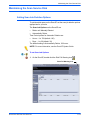
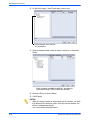
4. Select the folders or files you wish to delete. If you want to delete all
of the folders or files, mark the checkbox next to Name at the top of
the list.
Mark to
select all.
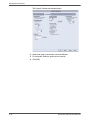
5. From the Document menu, select [Delete].
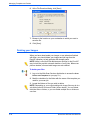
6. At the prompt, click [OK], or click [Cancel] to abandon file deletion.
DocuColor 250 Scan Out Services
5-19