1
i-Pro Viewer
Pan/Tilt Control
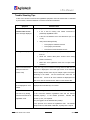
Pan and Tilt functions are available for Pan/Tilt control capable cameras connected to the Camera
1 or Camera 2 input on AgileMesh AV7510 or AV7520 tactical nodes.
RS-485 differential pair for PTZ control.
bits, no parity and 1 stop bit.
The AgileMesh nodes use
The default protocol setup is Pelco-D, 2400 baud, 8 data
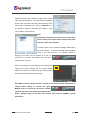
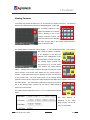
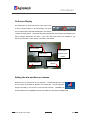
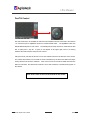
A green “P” will appear in the upper right corner of a viewing
window if the node has been setup for PTZ controls.
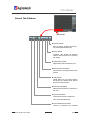
Using the mouse, left-click the arrows to move the selected camera in the direction of the arrows.
The camera will continue to move while an arrow is held down by the left mouse button and stops
moving when the left mouse is released.
If the cursor moves off of the arrow while the left mouse
button is held down, the camera will continue to move until it reaches a mechanical stop point on
the camera.
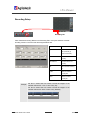
Note: Zoom control is found on the PTZ tab of i-Pro Viewer.
i-PRO Viewer User’s Guide
18/23