1
SPlus Operations P13 Connectivity Guide
S+ P13 OPC BUILDER
5. S+ P13 OPC BUILDER
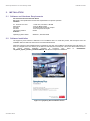
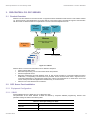
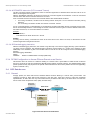
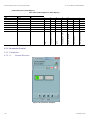
The S+ P13 OPC Builder extracts the data needed for the Procontrol P13 OPC server from the S+ P13 Engineering
workbook and creates the corresponding pve-file to be loaded by the OPC server.
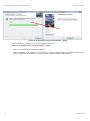
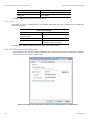
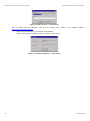
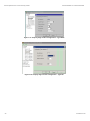
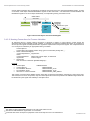
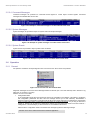
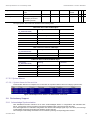
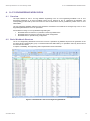
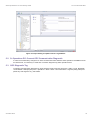
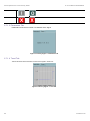
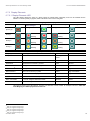
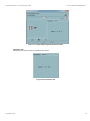
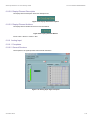
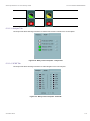
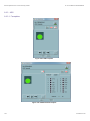
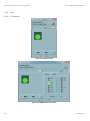
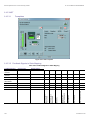
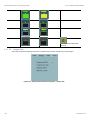
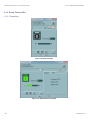
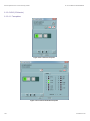
Figure 5-1: User Interface of S+ P13 OPC Builders
Select the paths for the S+ P13 Engineering Workbook and the target OPC Engineering File. Then generate the pvefile.
Note
The S+ P13 OPC Builder should be started from a local drive. If started from a network drive it has by default too less
file system access permissions (“partially trusted”).
5.1
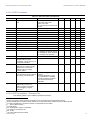
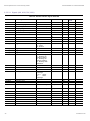
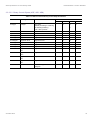
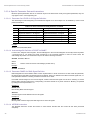
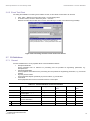
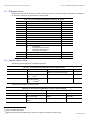
Procedure for Engineering Data Loading
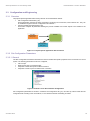
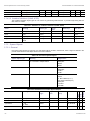
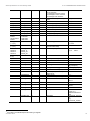
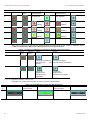
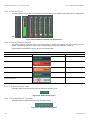
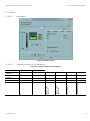
Table 5-1: Procedure for Engineering Data Loading
Action
Remark
Check S+ P13 Engineering Workbook
Named ranges
Fields and Data
Update P13 OPC Server
Generate pve-File with S+ P13 OPC Builder
Restart the P13 OPC Server
Check OPC Server log file
Update S+ Operations Tag Database
Import sheet Signals (if changed) and sheet Control
Objects (if changed) with S+ Operations tag database
builder,
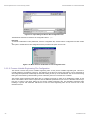
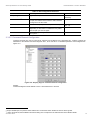
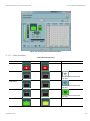
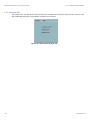
(See Figure 5-2: Import Setting for Update of the S+ Tag
Database)
The sheet to be imported must be moved to the first sheet
position in the workbook.
Restart S+ Opeations
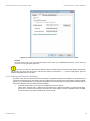
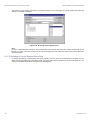
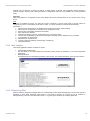
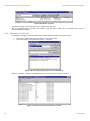
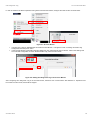
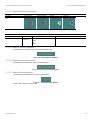
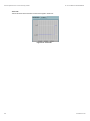
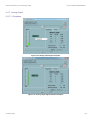
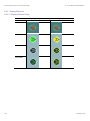
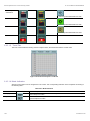
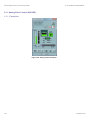
The following picture shows the settings for S+ Operations tag database update import.
78
2VAA001153C