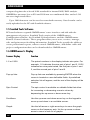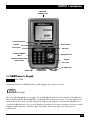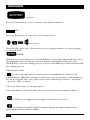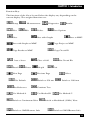
1
OMNISCANNER
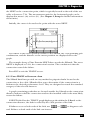
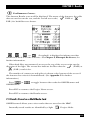
2.6.2 VIEWING TWISTED PAIR AUTOTEST RESULTS
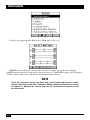
This viewing option is only available immediately after the Autotest was performed.
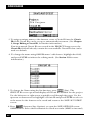
To view stored test results at a later time, press the
(Results) function
key located in the Project screen. (See Chapter 6, Results, for more information.)
NOTE
The list of tests varies depending on the kind of Autotest that was
performed.
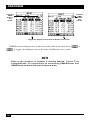
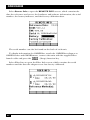
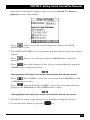
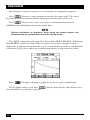
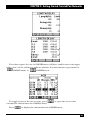
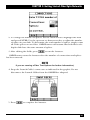
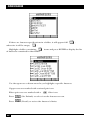
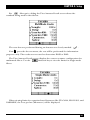
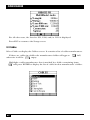
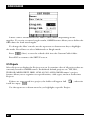
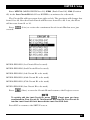
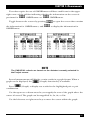
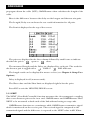
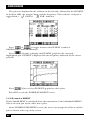
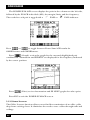
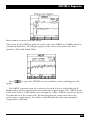
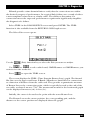
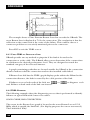
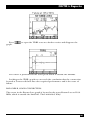
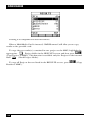
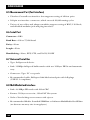
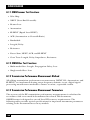
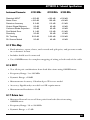
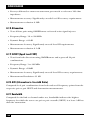
1. To view detailed results of all the tests that were performed during Autotest,
highlight a specific test in the Autotest screen using the up-arrow or downarrow key and press ENTER.
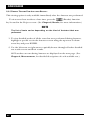
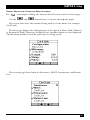
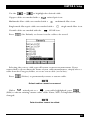
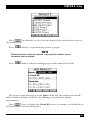
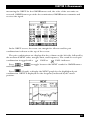
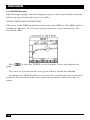
2. Use the left-arrow or right-arrow to quickly browse through all other detailed
test result screens and their results.
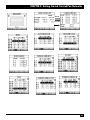
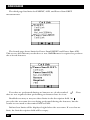
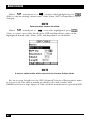
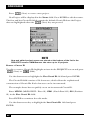
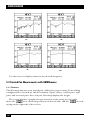
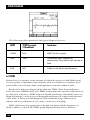
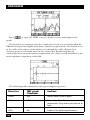
All Tests that can run during Autotest are displayed on the next page. (See
Chapter 4, Measurements, for detailed descriptions of each available test.)
32