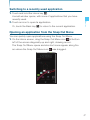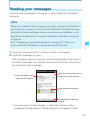
1
NOTE
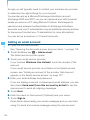
If you touch the Back key B while composing a message, it
is saved as a draft. Touch the message draft displayed in the
Messaging screen to resume composing the message.
Sending a multimedia message
You can attach text, photo, recorded voice, audio file, video, contact,
or photo slideshow to a multimedia (MMS) message.
NOTE
Messaging
A message is automatically converted into a multimedia message
if you add a subject, attach a file, or send it to an Email address
instead of a mobile phone number.
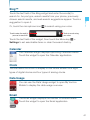
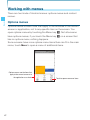
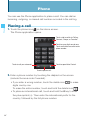
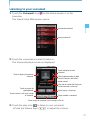
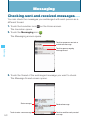
1. Touch the Launcher icon
on the Home screen.
The Launcher opens.
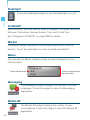
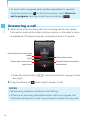
2. Touch the Messaging icon
.
The Messaging screen opens.
3. Touch New message.
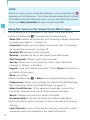
4. Enter a mobile phone number or an Email address of the person
you are sending the message to in the “To” field. As you enter the
phone number, the search function displays suggestions.
5. You can touch a suggestion or continue entering the phone number
or Email address.
6. Touch the “Type to compose” field and start entering your
message.
7. To add a subject, touch the Menu key M > Add subject and enter
the subject.
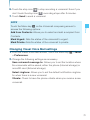
8. To attach a file, touch the Menu key M > Attach and touch one of
the following multimedia file types.
Pictures: Allows you to select and attach a picture saved on the
134