1
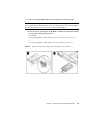
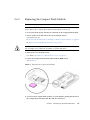
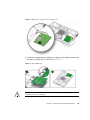
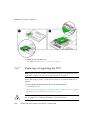
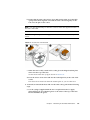
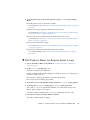
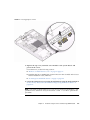
b. Ensure that the CPU socket release lever and retainer plate are in the fully
open position then align the CPU with the CPU socket and gently set the
CPU onto the pins in the socket.
Note – Use the alignment keys in the CPU socket to match the alignment notches on
the sides of the CPU.
Note – Mixing CPU speeds is not supported. Install two identical CPUs in your
server.
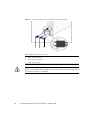
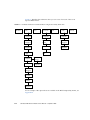
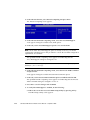
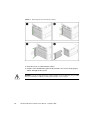
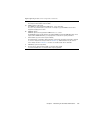
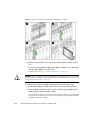
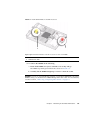
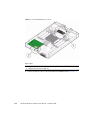
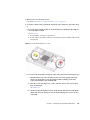
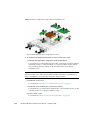
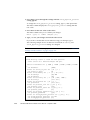
FIGURE 3-20
Install CPU and Heatstink
c. When the CPU is fully seated in the socket, pivot the hinged retainer plate
down onto the top of the CPU.
See the insert in the first (1) figure shown in FIGURE 3-20.
d. Pivot the release lever down and into the locked position, at the side of the
socket.
The release lever must lock down the retainer plate as you close the lever.
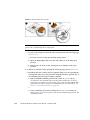
5. To install (or reinstall) the heat sink over the CPU socket, perform the following
steps.
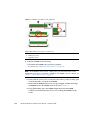
a. Use the syringe (supplied with the new or replacement CPU) to apply
approximately 0.1 ml of thermal grease to the center of the top of the CPU.
Do not distribute the grease.
Chapter 3
Maintaining the Sun Blade X6270 Server
3-37