1
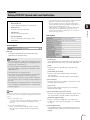
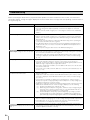
[Memory Card] SD Memory Card Operations and Settings
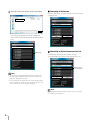
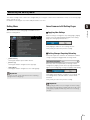
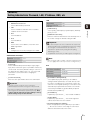
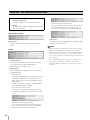
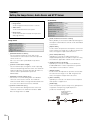
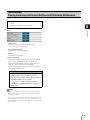
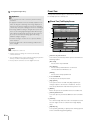
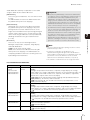
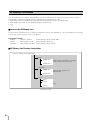
SD Card Information
Important
Information recorded to the SD memory card may be regarded
as “personal information.” Take sufficient precautions for
handling this information when releasing to third parties for
disposal, transfer or repair.
Note
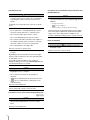
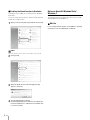
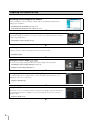
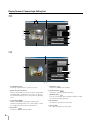
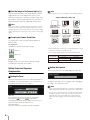
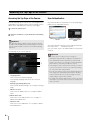
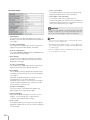
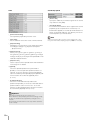
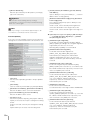
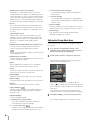
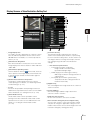
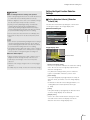
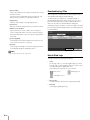
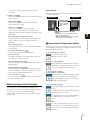
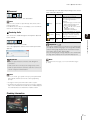
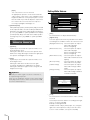
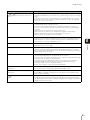
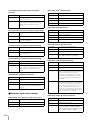
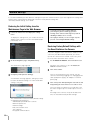
2 [SD Card Operation Status]
Displays the operation status of the SD memory card.
The three status messages are as follows.
• [Operable]: This status indicates that any operation
may be performed.
• [Recreating image management information]: This
status indicates that image management information
is being recreated. Other operations cannot be
performed.
• [Deleting images]: This status indicates that images
are being deleted. Other operations cannot be
performed.
5
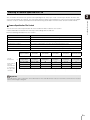
• Even if recording-mode stream transmission or uploading fail,
the maximum number of images that can be stored on the SD
memory card per method is 100,000.
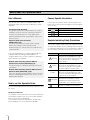
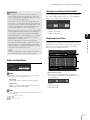
Setting Page
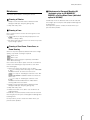
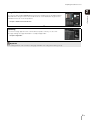
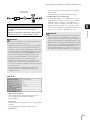
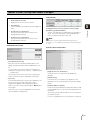
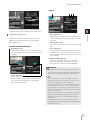
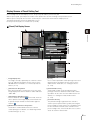
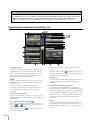
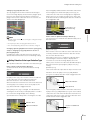
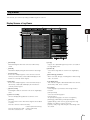
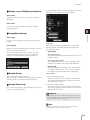
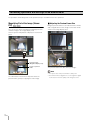
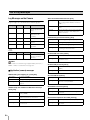
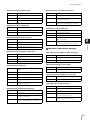
1 [SD Card Recognition]
Displays the status of the SD memory card. The three
status messages are [SD Card Not Inserted], [Not
Mounted] and [Mounted].
• For accessing files saved to the SD memory card, see “SD
Memory Card Access” (P. 8-2).
• New files cannot be saved to the SD memory card if there is no
free space or the file limit has been reached.
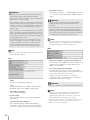
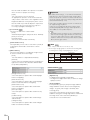
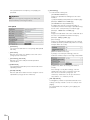
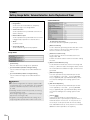
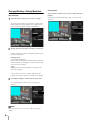
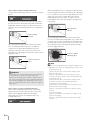
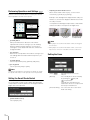
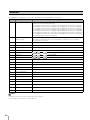
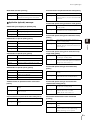
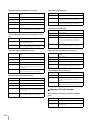
3 [Image Management Information Status]
Displays the status of the image management
information. The two status messages are as follows.
• [Normal]: This status indicates that image
management information is normal.
• [Image Management Information Recreation
Required]: This status indicates that management
files are corrupted or not consistent with saved
image files. Image management information must
be recreated.
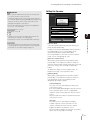
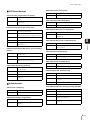
4 [Image Saving]
Displays whether or not images can be saved to the SD
memory card.
• [Can Save]: Indicates that images can be saved to
the SD memory card.
• [Cannot Save]: Indicates that images cannot be
saved to the SD memory card. This status may be
caused when the SD memory card is not mounted,
the image file count upper limit has been reached,
the image management file is corrupted or the card
is write-protected.
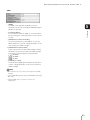
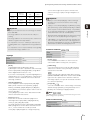
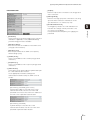
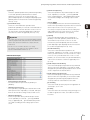
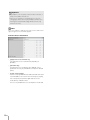
5 [SD Card Capacity (KB)]
Displays the SD memory card storage capacity.
6 [Used Capacity (KB)]
Displays information about storage used on the SD
memory card.
5-31