1
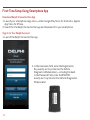
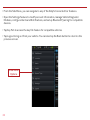
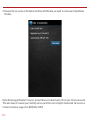
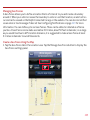
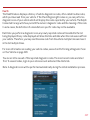
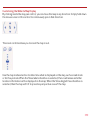
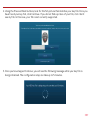
2. Press and hold the Function Button on the side of the Vehicle Diagnostics Module until the
Status LED blinks red one time. This will occur after approximately 5 seconds. Then release
the Function Button. The LED will blink red several times while vehicle setup occurs.
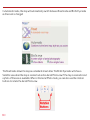
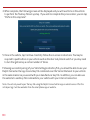
3. Wait up to 30 seconds for the LED to display a mix of solid and blinking green.
4. Wait an additional 10 seconds for the LED to go out.
5. When the LED begins to flash blue every 10 seconds, setup is complete.
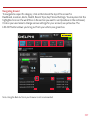
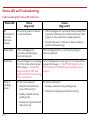
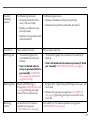
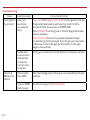
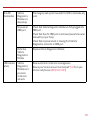
Stop! Do not proceed if the Status LED never turned green and returned to solid blue. Your
vehicle may not be compatible with the Vehicle Diagnostics Module (check fitment guide
connectedcar.delphi.com/fitment) or you did not place the ignition in the On position.
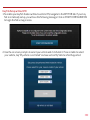
Verify Vehicle Diagnostics Module Setup
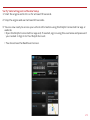
1. Start the engine and let it run for at least 30 seconds.
2. Stop the engine and wait at least 20 seconds.
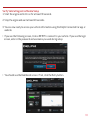
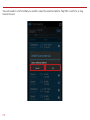
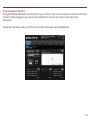
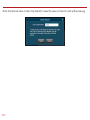
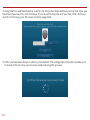
You are now ready to access your vehicle information using the Delphi Connected Car app or
web site.
36