1
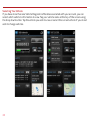
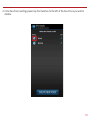
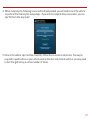
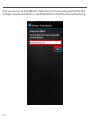
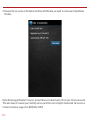
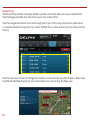
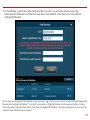
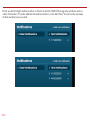
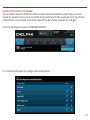
installed. Anytime following installation, to retrieve current codes, you need to press the
refresh button on the health page in the web portal (not the smartphone app) and follow the
instructions. If your error codes still do not show up, your vehicle manufacturer may have
manufacturer specific codes they have not shared with other tool providers, which prevents the
Vehicle Diagnostics module from properly reading these codes.
75. What codes are pulled during a vehicle health scan (pending, active, historical)?
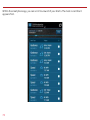
The vehicle scan will display the diagnostic codes reported by the vehicle. The codes returned
varies by vehicle manufacturer but in general these are codes that have been set since the last
time the codes were cleared in the vehicle.
76. Can I clear Diagnostic Codes in my car?
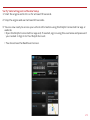
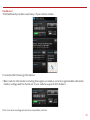
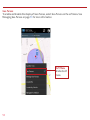
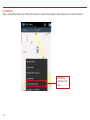
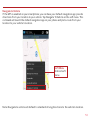
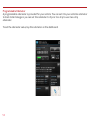
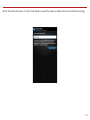
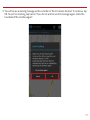
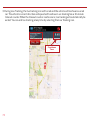
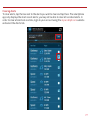
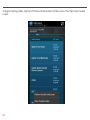
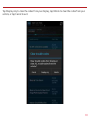
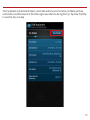
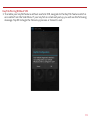
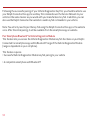
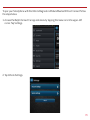
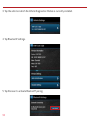
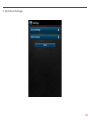
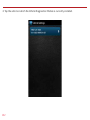
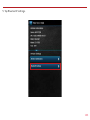
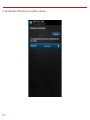
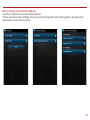
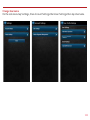
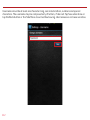
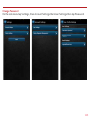
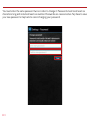
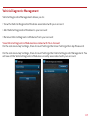
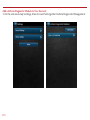
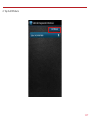
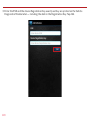
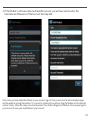
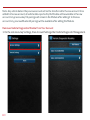
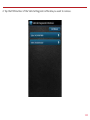
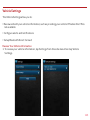
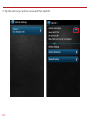
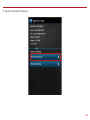
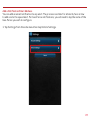
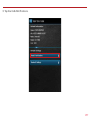
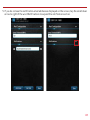
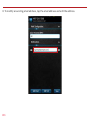
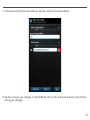
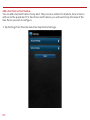
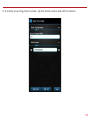
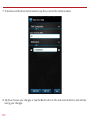
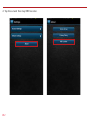
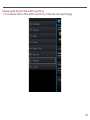
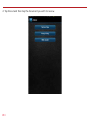
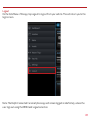
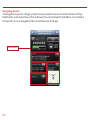
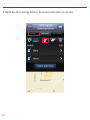
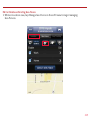
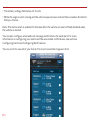
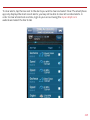
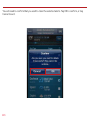
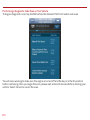
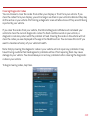
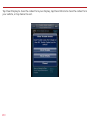
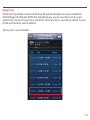
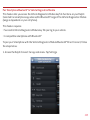
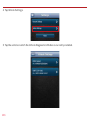
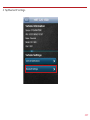
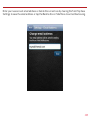
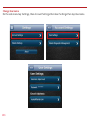
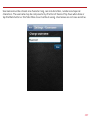
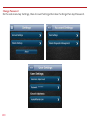
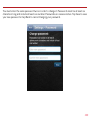
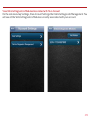
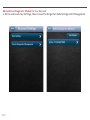
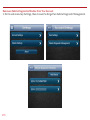
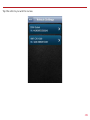
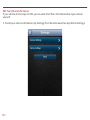
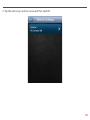
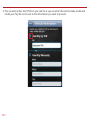
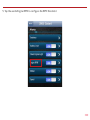
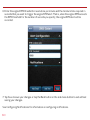
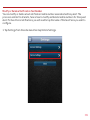
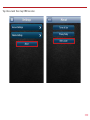
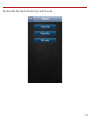
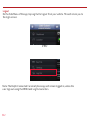
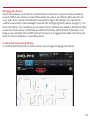
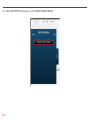
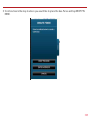
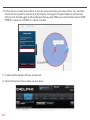
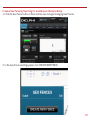
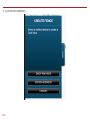
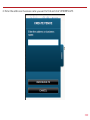
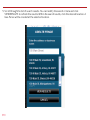
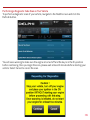
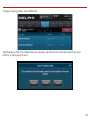
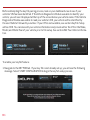
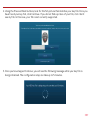
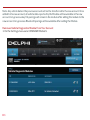
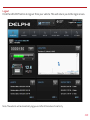
Yes, you can send a command to your vehicle to clear the diagnostic codes. Navigate to the
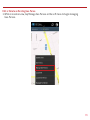
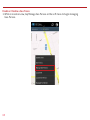
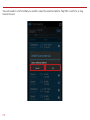
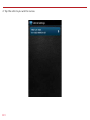
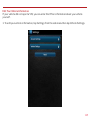
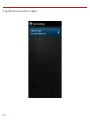
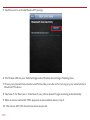
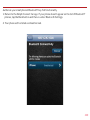
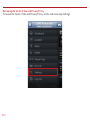
Health page. On an Android, open the soft menu and tap Clear trouble codes and then tap
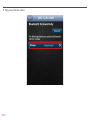
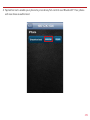
Vehicle. On an iPhone, tap Clear on the Health page then tap Clear Vehicle. Note: Simply clearing
the diagnostic codes in your vehicle will not repair any problems it may have. Driving a vehicle
that has diagnostic problems without first repairing them may cause damage to your vehicle.
You should always correct any problems before clearing the diagnostic codes in your vehicle.
77. Will using this product void my new car warranty?
Delphi stands behind the Vehicle Diagnostics product and maintains that it does not void your
new car warranty.
443