1
Getting Started
Administration of Service Support Software
Removing Test Drivers
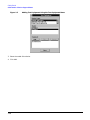
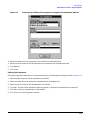
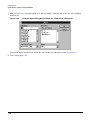
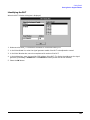
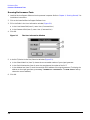
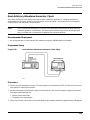
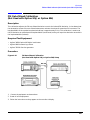
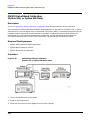
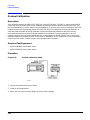
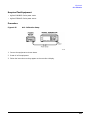
Removing test drivers is accomplished using the Test Drivers dialog box. Refer to Figure 1-13.
1. Select the driver (.dll) file to be removed.
Figure 1-13
Removing a Test Driver Using the Test Drivers Window
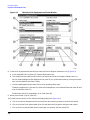
2. Ensure that the information displayed in the Version, Required Devices, and Tests Supported fields
reflects the correct information for the selected driver being removed.
3. Click Remove.
4. Click Close.
Adding Datapacks
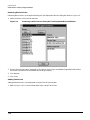
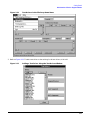
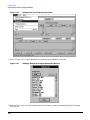
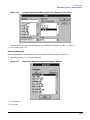
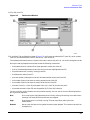
Adding datapacks for test procedures is accomplished using the Datapacks dialog box.
1. Refer to Figure 1-14. In the File drop-down menu, select Datapacks.
1- 19