1
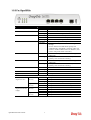
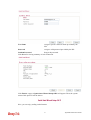
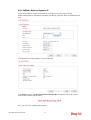
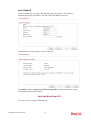
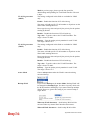
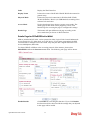
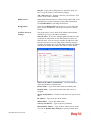
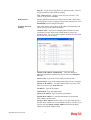
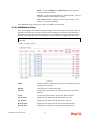
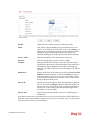
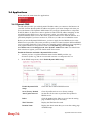
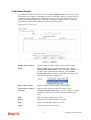
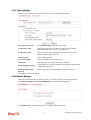
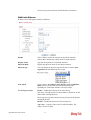
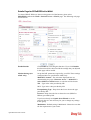
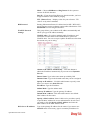
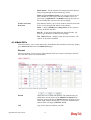
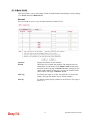
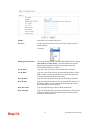
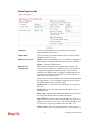
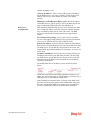
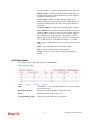
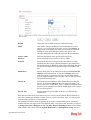
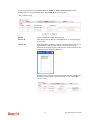
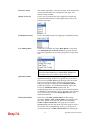
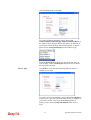
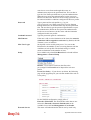
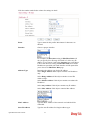
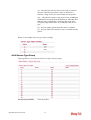
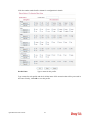
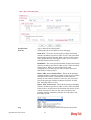
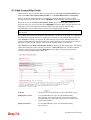
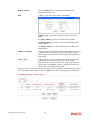
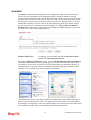
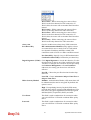
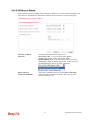
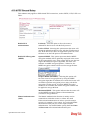
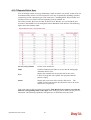
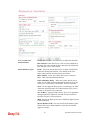
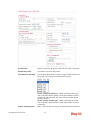
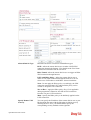
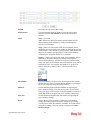
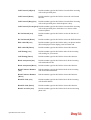
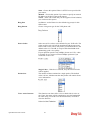
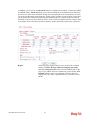
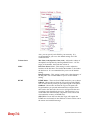
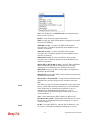
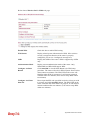
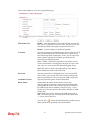
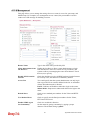
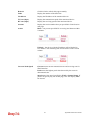
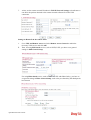
Idle Timeout – Set the timeout for breaking down the Internet
after passing through the time without any action.
Index (1-15) in Schedule Setup - You can type in four sets of
time schedule for your request. All the schedules can be set
previously in Application >> Schedule web page and you can
use the number that you have set in that web page
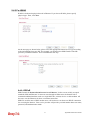
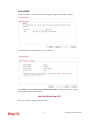
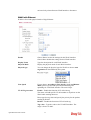
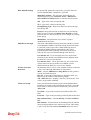
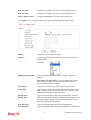
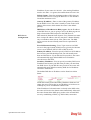
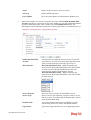
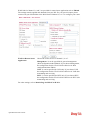
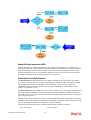
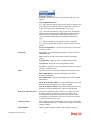
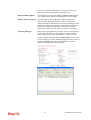
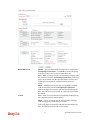
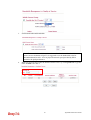
WAN Connection
Detection
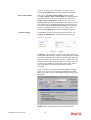
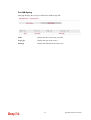
Such function allows you to verify whether network connection
is alive or not through ARP Detect or Ping Detect.
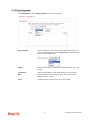
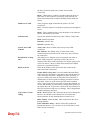
Mode – Choose ARP Detect or Ping Detect for the system to
execute for WAN detection.
Ping IP – If you choose Ping Detect as detection mode, you
have to type IP address in this field for pinging.
TTL (Time to Live) – Displays value for your reference. TTL
value is set by telnet command.
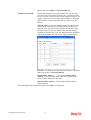
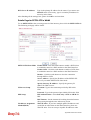
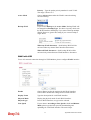
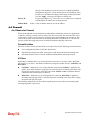
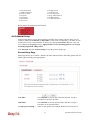
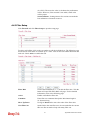
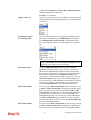
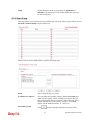
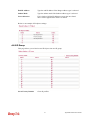
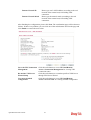
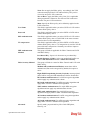
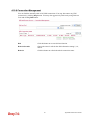
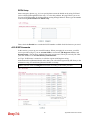
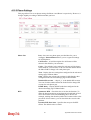
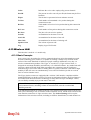
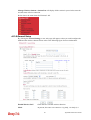
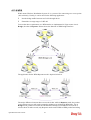
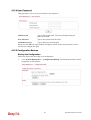
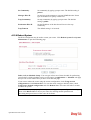
4.1.4 Multi-PVCs
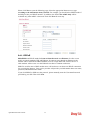
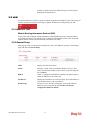
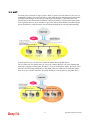
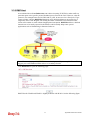
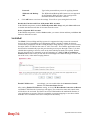
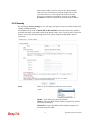
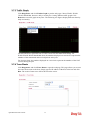
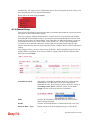
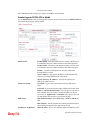
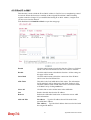
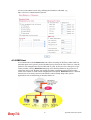
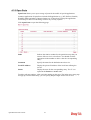
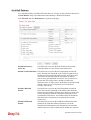
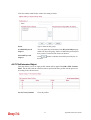
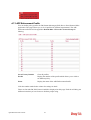
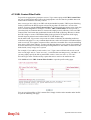
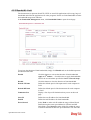
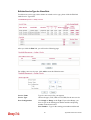
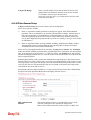
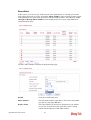
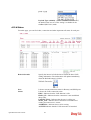
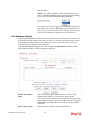
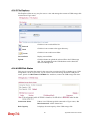
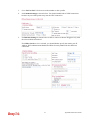
This router allows you to create multi-PVCs for different data transferring for using. Simply
go to Internet Access and select Multi-PVCs page.
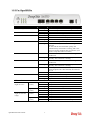
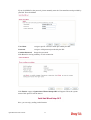
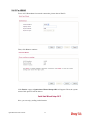
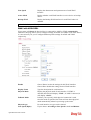
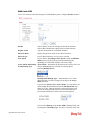
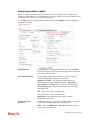
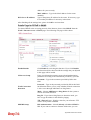
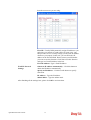
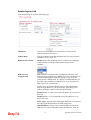
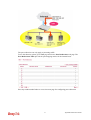
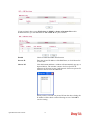
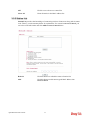
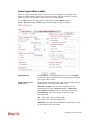
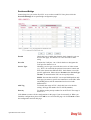
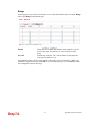
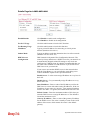
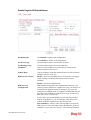
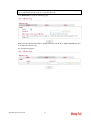
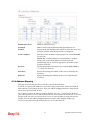
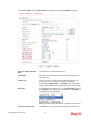
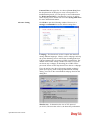
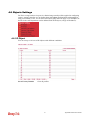
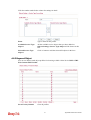
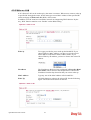
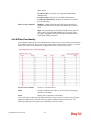
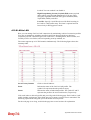
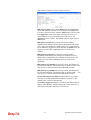
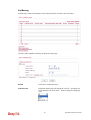
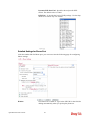
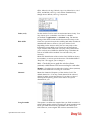
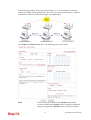
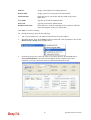
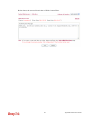
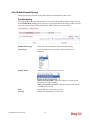
General
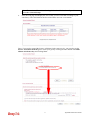
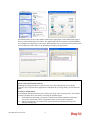
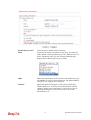
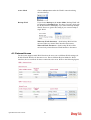
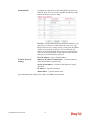
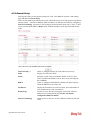
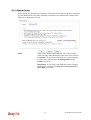
The system allows you to set up to eight channels which are ready for choosing as the first
PVC line that will be used as multi-PVCs.
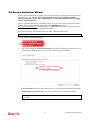
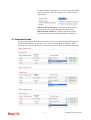
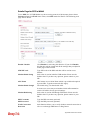
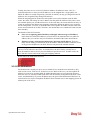
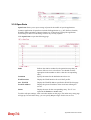
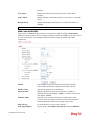
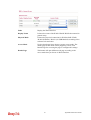
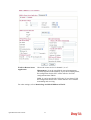
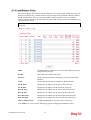
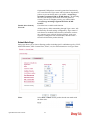
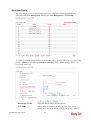
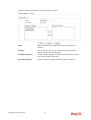
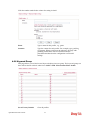
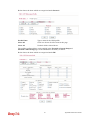
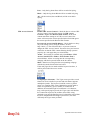
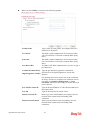
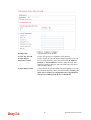
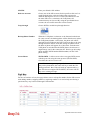
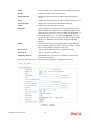
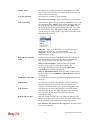
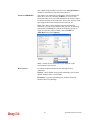
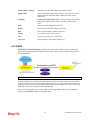
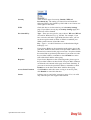
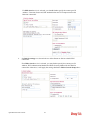
Enable
Check this box to enable that channel. The channels that you
enabled here will be shown in the Multi-PVC channel drop
down list on the web page of Internet Access. Though you can
enable eight channels in this page, yet only one channel can be
chosen on the web page of Internet Access.
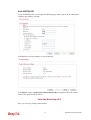
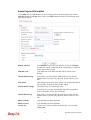
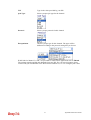
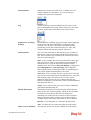
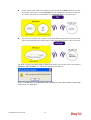
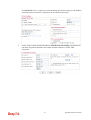
VPI
Type in the value provided by your ISP.
Vigor2850 Series User’s Guide
114