1
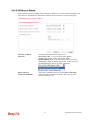
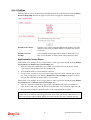
4.16.7 Data Flow Monitor
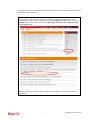
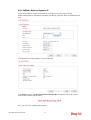
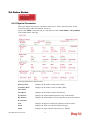
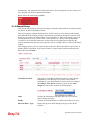
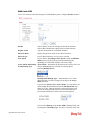
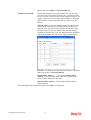
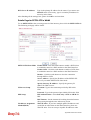
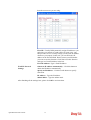
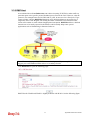
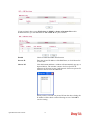
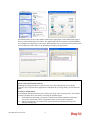
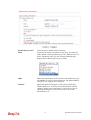
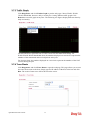
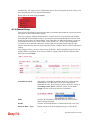
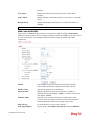
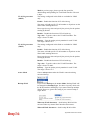
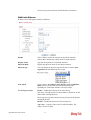
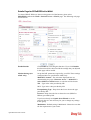
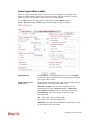
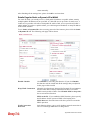
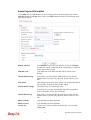
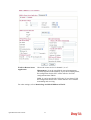
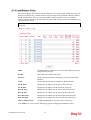
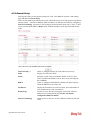
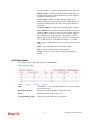
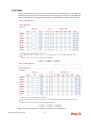
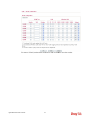
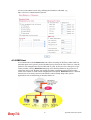
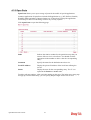
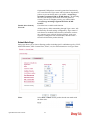
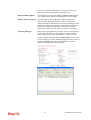
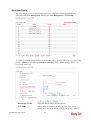
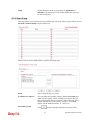
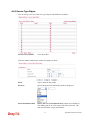
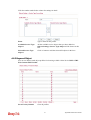
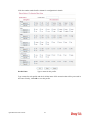
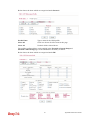
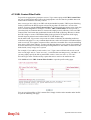
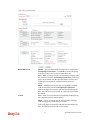
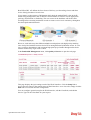
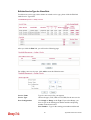
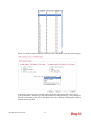
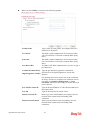
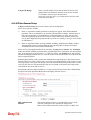
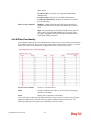
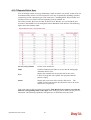
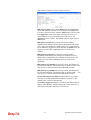
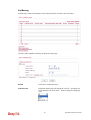
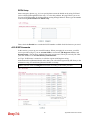
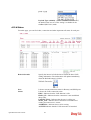
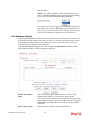
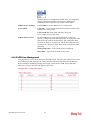
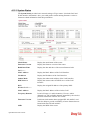
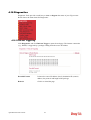
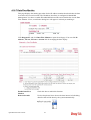
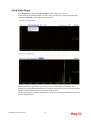
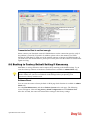
This page displays the running procedure for the IP address monitored and refreshes the data
in an interval of several seconds. The IP address listed here is configured in Bandwidth
Management. You have to enable IP bandwidth limit and IP session limit before invoke Data
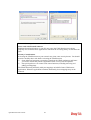
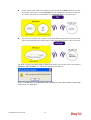
Flow Monitor. If not, a notification dialog box will appear to remind you enabling it.
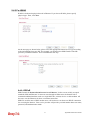
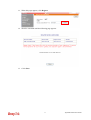
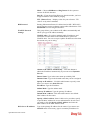
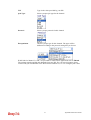
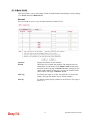
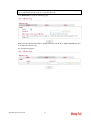
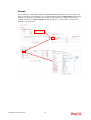
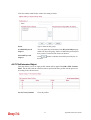
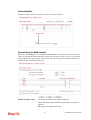
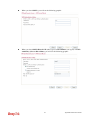
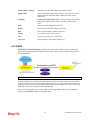
Click Diagnostics and click Data Flow Monitor to open the web page. You can click IP
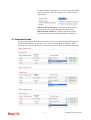
Address, TX rate, RX rate or Session link for arranging the data display.
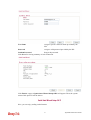
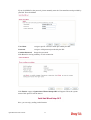
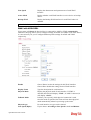
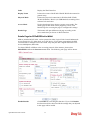
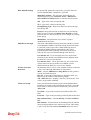
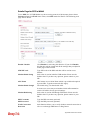
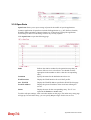
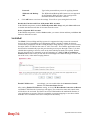
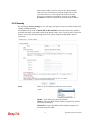
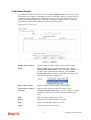
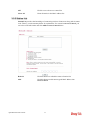
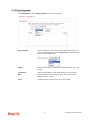
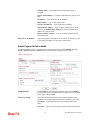
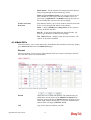
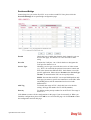
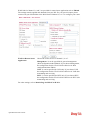
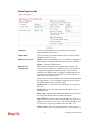
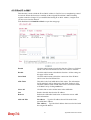
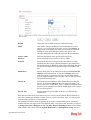
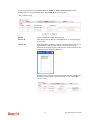
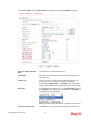
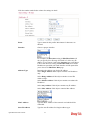
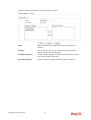
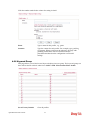
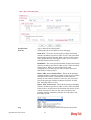
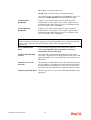
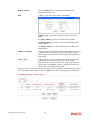
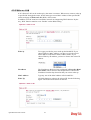
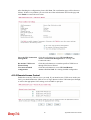
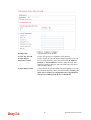
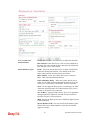
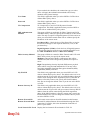
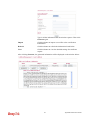
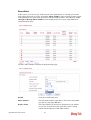
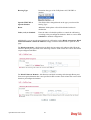
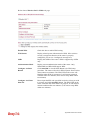
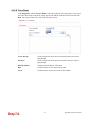
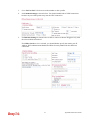
Enable Data Flow
Monitor
Check this box to enable this function.
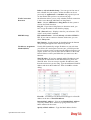
Refresh Seconds
Use the drop down list to choose the time interval of refreshing
data flow that will be done by the system automatically.
Vigor2850 Series User’s Guide
304