1
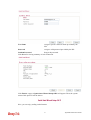
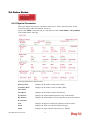
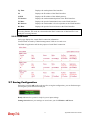
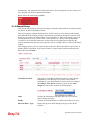
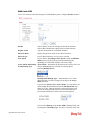
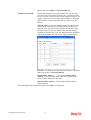
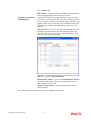
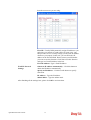
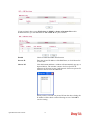
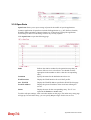
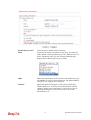
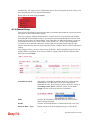
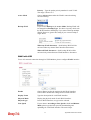
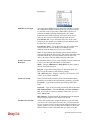
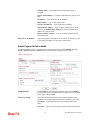
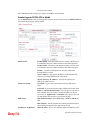
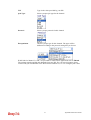
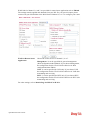
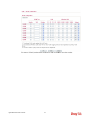
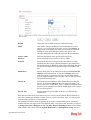
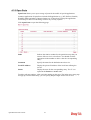
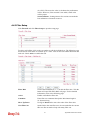
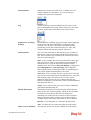
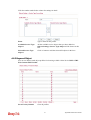
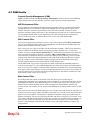
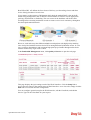
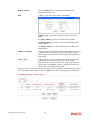
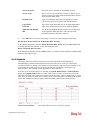
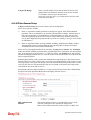
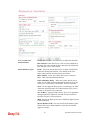
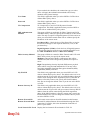
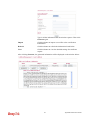
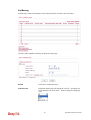
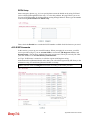
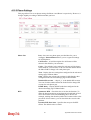
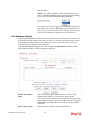
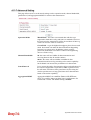
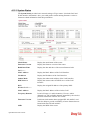
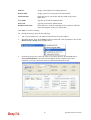
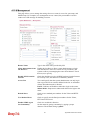
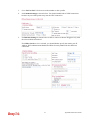
Line Speed
Display the downstream and upstream rate of such WAN
interface.
Active Mode
Display whether such WAN interface is Active device or backup
device.
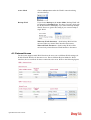
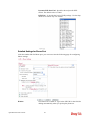
Backup WAN
Display the Backup WAN interface for such WAN when it is
disabled.
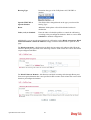
Note: In default, each WAN port is enabled.
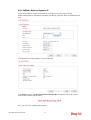
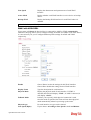
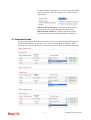
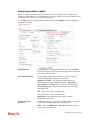
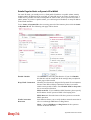
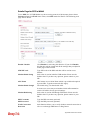
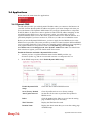
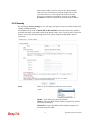
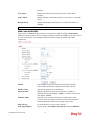
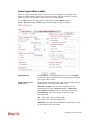
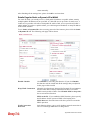
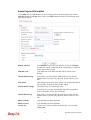
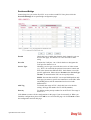
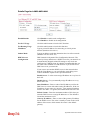
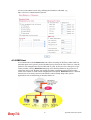
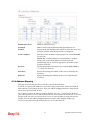
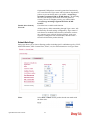
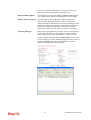
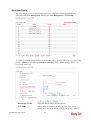
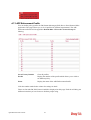
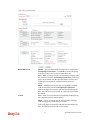
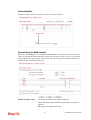
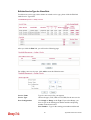
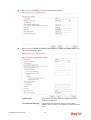
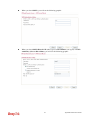
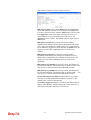
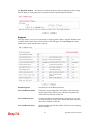
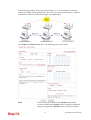
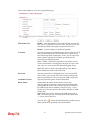
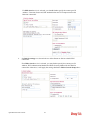
WAN1 with ADSL/VDSL
Vigor router will detect the physical line is connected by ADSL or VDSL automatically.
Therefore, this page allows you to configure settings for ADSL and VDSL at one time. That is,
it is not necessary for you to configure different profile settings for ADSL and VDSL
respectively.
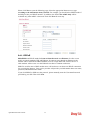
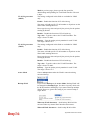
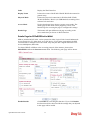
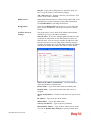
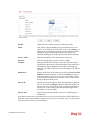
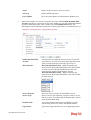
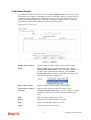
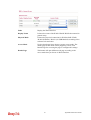
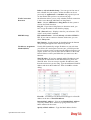
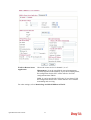
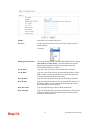
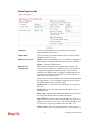
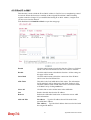
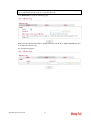
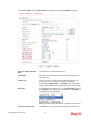
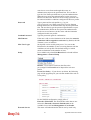
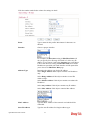
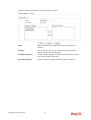
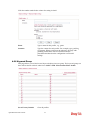
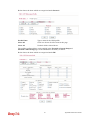
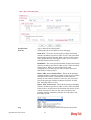
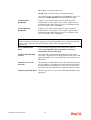
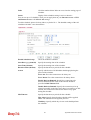
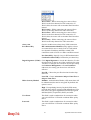
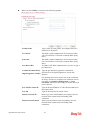
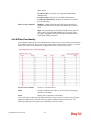
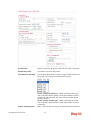
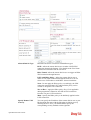
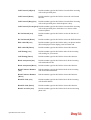
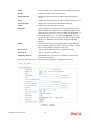
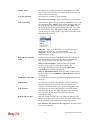
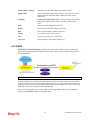
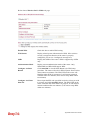
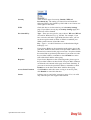
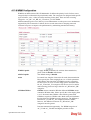
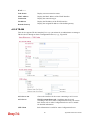
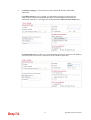
Enable
Choose Yes to invoke the settings for this WAN interface.
Choose No to disable the settings for this WAN interface.
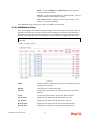
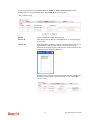
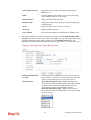
Display Name
Type the description for such interface.
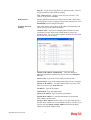
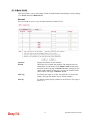
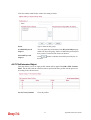
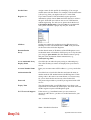
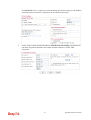
Physical Mode
Display the physical mode of such interface. If VDSL is
detected, this field will display “VDSL”; if ADSL is detected, it
will display “ADSL”.
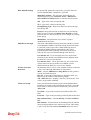
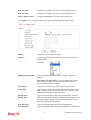
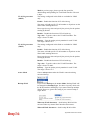
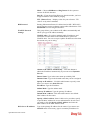
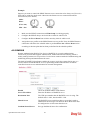
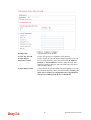
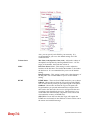
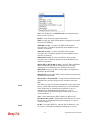
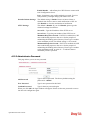
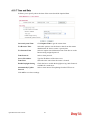
Fallback Mode
It allows you to specify which physical connection is used.
Once the mode is specified, the router will not detect physical
mode automatically whenever powering up the router.
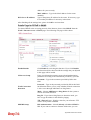
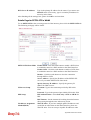
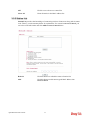
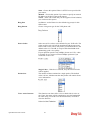
Physical type
For such interface, no type can be selected.
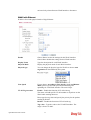
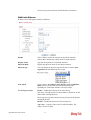
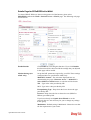
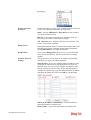
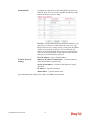
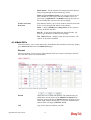
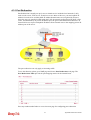
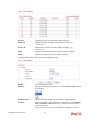
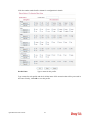
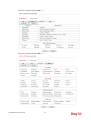
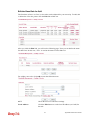
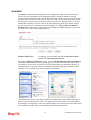
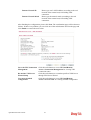
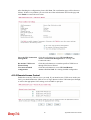
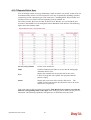
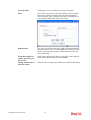
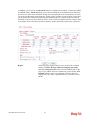
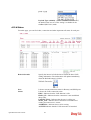
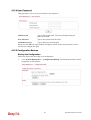
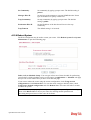
Line Speed (Kpbs)
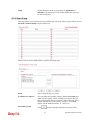
If your choose According to Line Speed as the Load Balance
Vigor2850 Series User’s Guide
42