1
all.book
Page 141
Thursday, May 13, 2004
8:51 AM
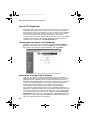
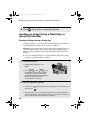
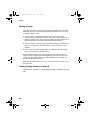
Printing from a Computer
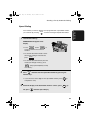
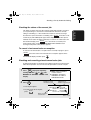
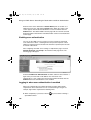
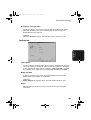
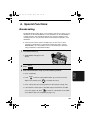
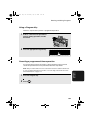
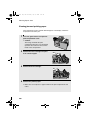
Canceling a print job
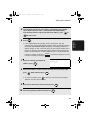
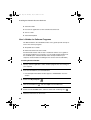
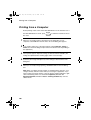
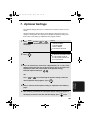
Follow the steps below to cancel a print job.
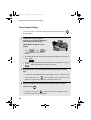
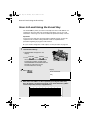
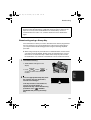
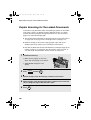
♦ If there is a problem with a print job that is sent to the machine (for
example, the machine does not have the paper size specified for the job)
the ALARM light on the machine will come on. When this happens, you can
either cancel the job, or continue the job in spite of the problem.
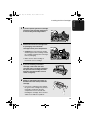
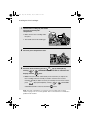
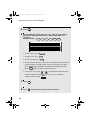
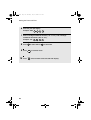
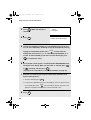
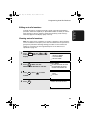
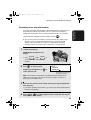
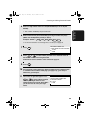
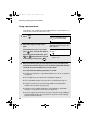
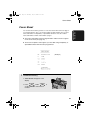
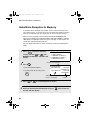
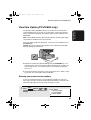
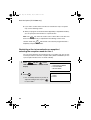
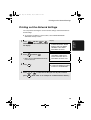
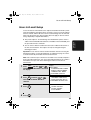
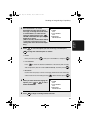
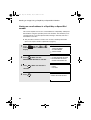
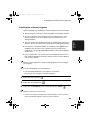
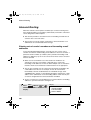
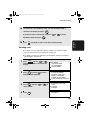
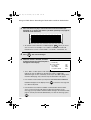
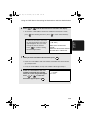
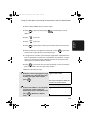
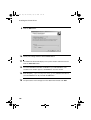
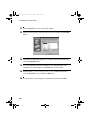
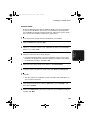
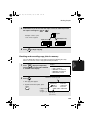
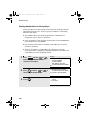
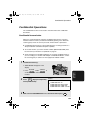
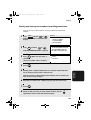
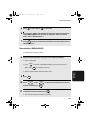
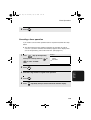
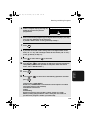
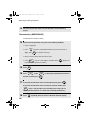
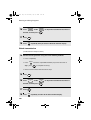
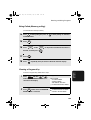
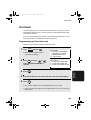
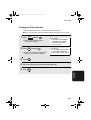
Canceling a print job
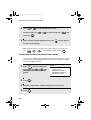
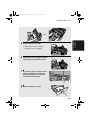
1
Press
2
Press
3
Press
4
Press 1 to select YES.
JOB STATUS
STOP
once to switch the machine off-line.
4. Network
Printer
ON LINE
twice to display the NETWORK PRINT STATUS screen.
.
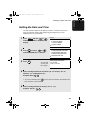
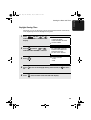
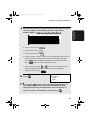
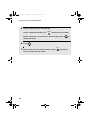
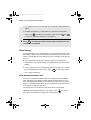
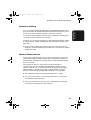
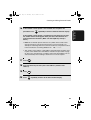
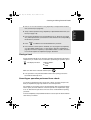
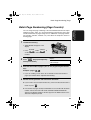
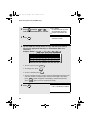
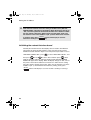
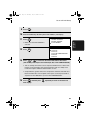
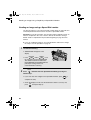
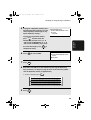
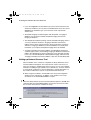
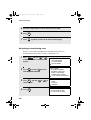
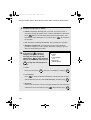
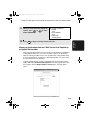
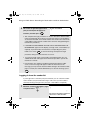
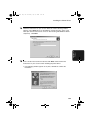
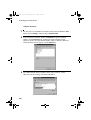
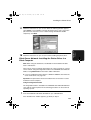
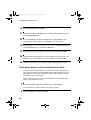
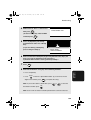
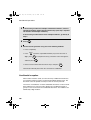
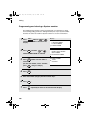
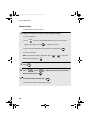
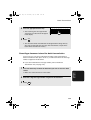
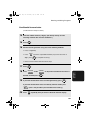
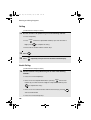
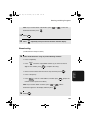
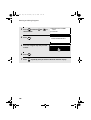
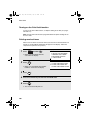
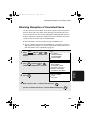
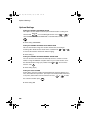
Continuing a print job when the ALARM light is on
Note: If the ALARM light has come on because the machine does not have
the size of paper specified for the job and you continue the job anyway, the job
will be printed on a different size of paper.
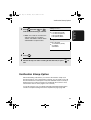
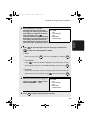
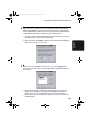
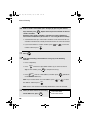
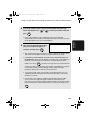
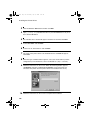
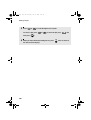
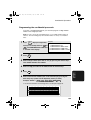
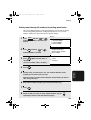
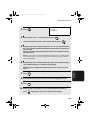
1
Press
2
Press
3
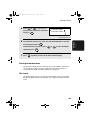
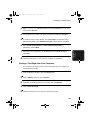
Press 1 to select YES.
JOB STATUS
START/
ENTER
twice to display the NETWORK PRINT STATUS screen.
.
141