1
all.book
Page 185
Thursday, May 13, 2004
8:51 AM
Entering and Using Programs
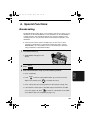
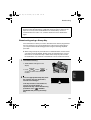
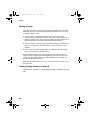
Being Polled (Memory polling)
(Continued from Initial procedure.)
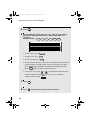
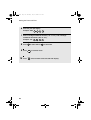
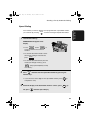
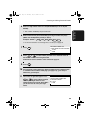
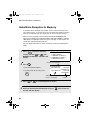
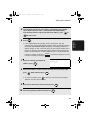
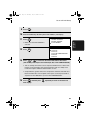
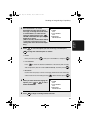
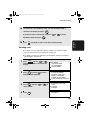
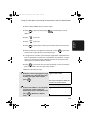
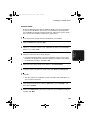
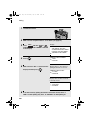
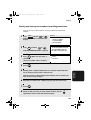
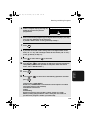
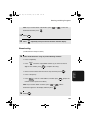
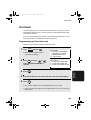
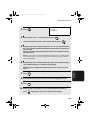
14
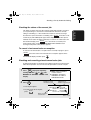
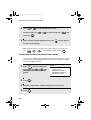
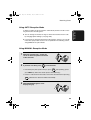
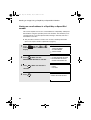
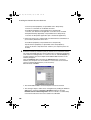
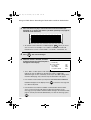
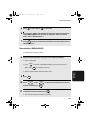
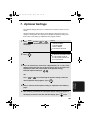
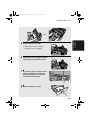
Press 1 to allow polling only once, or 2 to allow polling an unlimited
number of times.
15
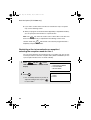
Press
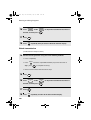
16
Press
START/
ENTER
.
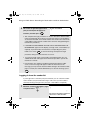
RESOLUTION
and/or
CONTRAST
desired, and then press
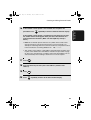
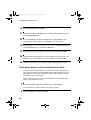
17
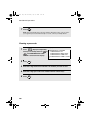
Press
18
Press
START/
ENTER
STOP
START/
ENTER
to adjust the resolution and contrast if
.
.
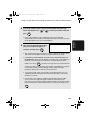
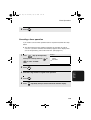
repeatedly until you return to the date and time display.
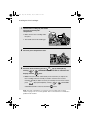
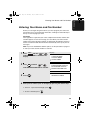
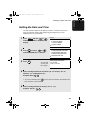
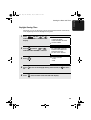
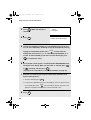
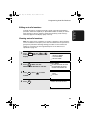
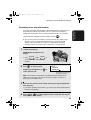
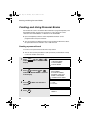
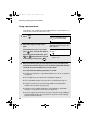
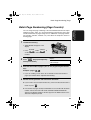
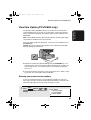
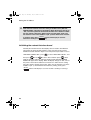
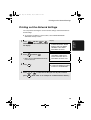
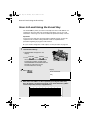
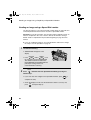
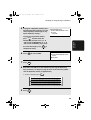
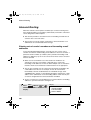
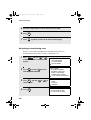
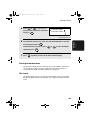
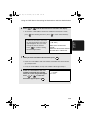
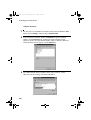
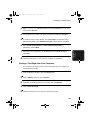
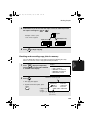
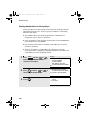
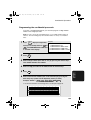
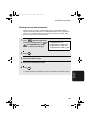
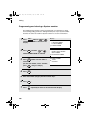
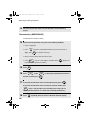
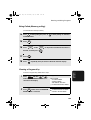
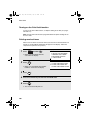
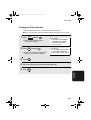
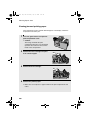
To clear a Program Key, follow these steps:
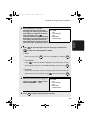
1
2
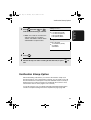
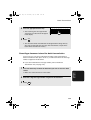
MENU
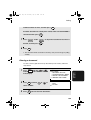
Press
and then
or
until PROGRAM/GROUP MODE is
selected in the display.
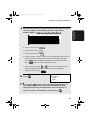
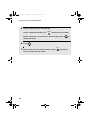
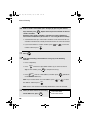
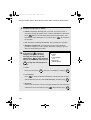
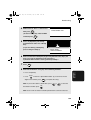
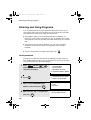
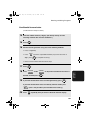
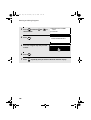
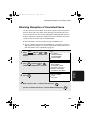
Press
START/
ENTER
. Make sure that PROGRAM
ENTRY MODE is selected.
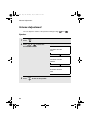
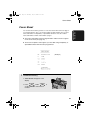
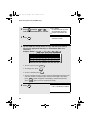
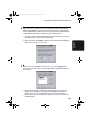
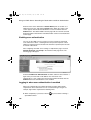
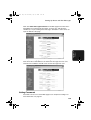
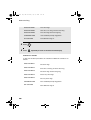
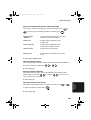
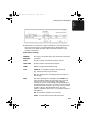
Display:
MENU MODE
2:LISTING MODE
3:ENTRY MODE
4:OPTIONAL SETTING
5:PROGRAM/GROUP MODE
PROGRAM/GROUP MODE
1:PROGRAM ENTRY MODE
2:GROUP ENTRY MODE
185
6. Special
Functions
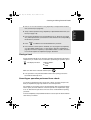
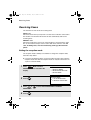
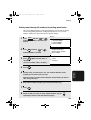
Clearing a Program Key