1
Ever
ything
ST OPWATCH
3.
STOPWATC H START
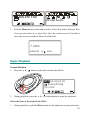
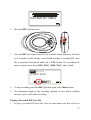
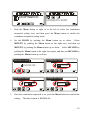
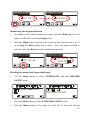
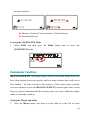
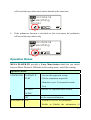
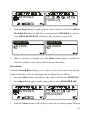
Push the Menu button to right or to the left to select the countdown
stopwatch setting icon, and then press the Menu button to enable the
countdown stopwatch setting mode.
4.
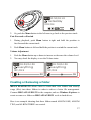
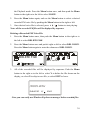
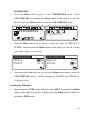
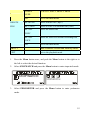
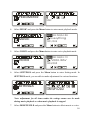
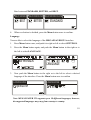
Set the HOUR by pushing the Menu button up or down.
Select
MINUTE by pushing the Menu button to the right once, and then set
MINUTE by pushing the Menu button up or down.
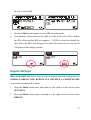
Select SECOND by
pushing the Menu button to the right once again, and then set SECOND by
pushing the Menu button up or down.
STOPWATCH START
STOPWATCH START
00:00:00 0
STOPWATCH START
00:00:00
STOPWATCH START
00: 05 :00
5.
00: 05 :30
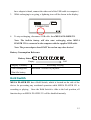
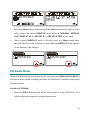
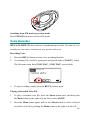
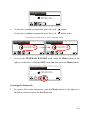
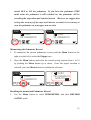
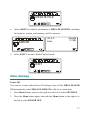
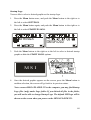
Once the countdown stopwatch is set, press the Menu button to confirm the
setting.
The timer format is HH:MM:SS.
45