1
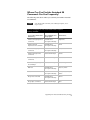
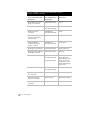
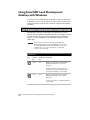
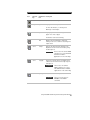
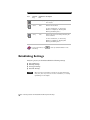
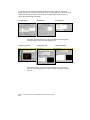
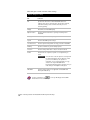
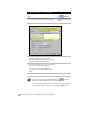
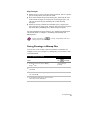
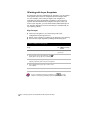
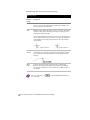
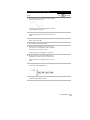
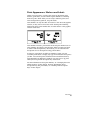
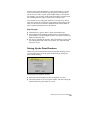
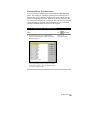
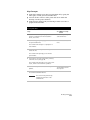
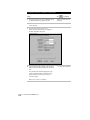
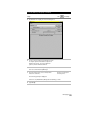
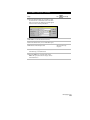
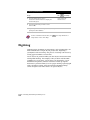
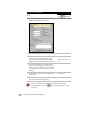
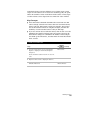
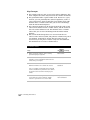
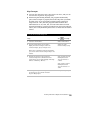
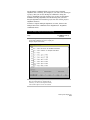
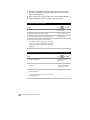
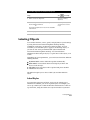
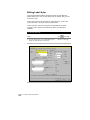
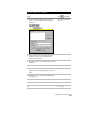
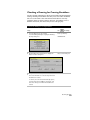
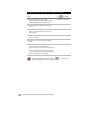
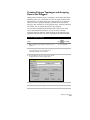
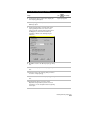
To insert a predefined leader
Steps
Use
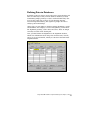
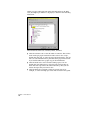
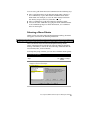
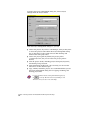
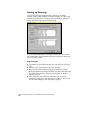
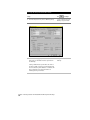
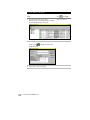
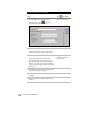
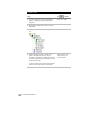
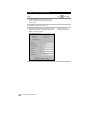
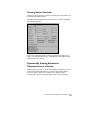
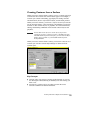
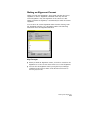
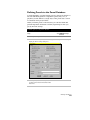
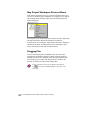
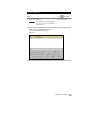
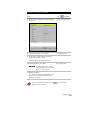
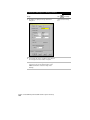
1 From the Utilities menu, choose
Leaders ➤ Predefined Leaders to display the
Leaders dialog box.
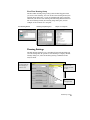
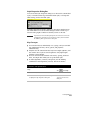
Insert Leaders with
Variable Pointers
to look up
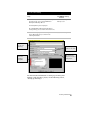
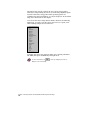
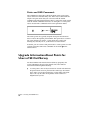
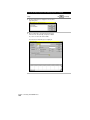
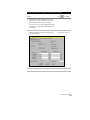
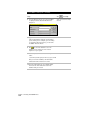
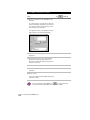
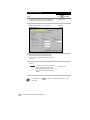
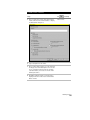
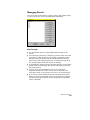
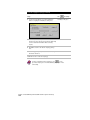
2 Select the leader that you want to insert
and click OK.
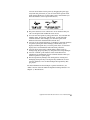
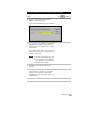
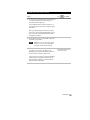
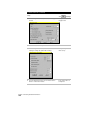
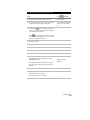
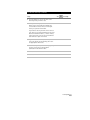
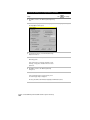
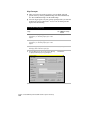
3 Depending on the leader that you select to insert,
specify the leader attributes.
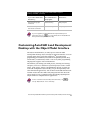
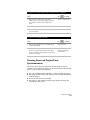
For more information about leaders, use
Using Leaders” in the online Help.
to look up “Overview of
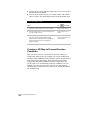
Digitizing
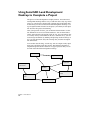
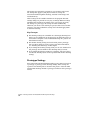
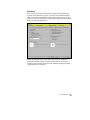
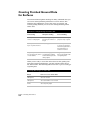
Digitizing paper documents or raster images, such as bitmap files, can
make it much easier to input all your project data. Digitizing is
synonymous with vectorizing—the process of creating CAD vectors by
tracing paper documents or raster lines.
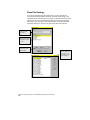
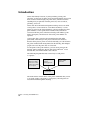
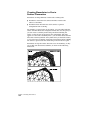
Vector objects are produced when you draw objects in AutoCAD Land
Development Desktop. For example, a line you draw with the LINE
command is a vector object. Vector objects are described by a set of
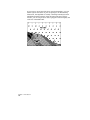
mathematical equations, whereas raster data is made up of pixels.
Raster data is produced when you scan a paper drawing or photograph
with a document scanner. AutoCAD Land Development Desktop
cannot recognize raster lines and arcs as separate objects.
Chapter 4 Working with Drawing and Editing Tools
158