1
Task: viewing and changing system setup values
CentreVu CMS Administration
10-5
Changing the CentreVu CMS state
Changing the CentreVu CMS state
............................................................................................................................................................................................................................................................
Prerequisites
•
1
...........................................................................................................................................................................
Steps
To add to or change configuration data for storage allocation,
storage intervals, or restoring data (for system administration and
ACD administration data), you must put CentreVu CMS in
single-user mode.
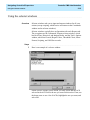
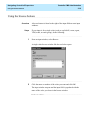
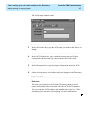
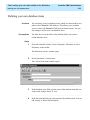
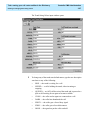
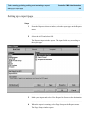
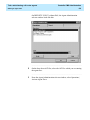
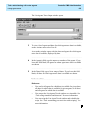
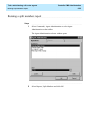
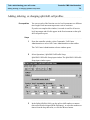
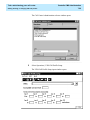
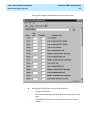
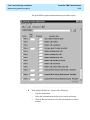
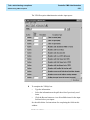
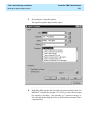
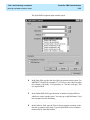
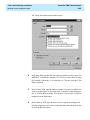
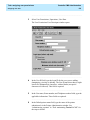
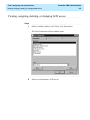
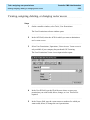
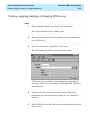
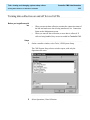
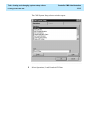
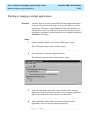
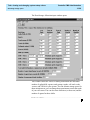
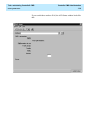
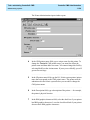
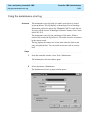
From the controller window, select Tools | CMS System Setup.
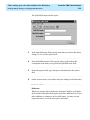
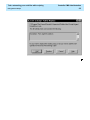
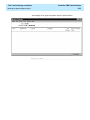
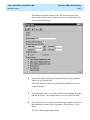
The CMS System Setup selector window opens.
...........................................................................................................................................................................
2
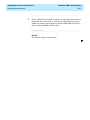
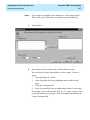
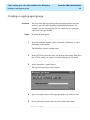
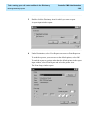
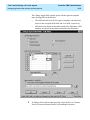
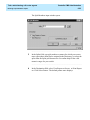
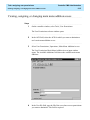
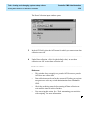
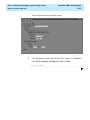
In the ACD field, select the ACD for which you want to change the CMS
state.
...........................................................................................................................................................................
3
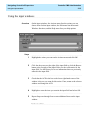
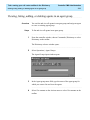
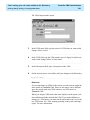
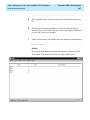
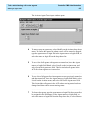
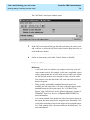
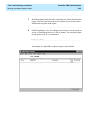
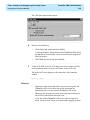
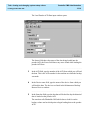
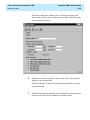
Select Operations | CMS State.