1
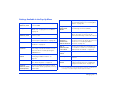
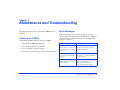
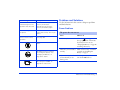
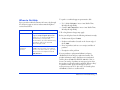
Error message
Description
Problems and Solutions
Some errors occured
while deleting files. The
operation was canceled.
Some files were skipped. The
memory card may be
write-protected. Check the
memory card and try again.
Use the information in this section to diagnose problems
and find solutions.
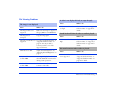
There is no response from
the printer.
Make sure the USB cable is
connected correctly. Check your
printer.
You must set the date and
time to ensure correct
operation.
Set the correct date and time.
(See page 50.)
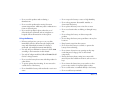
Power Problems
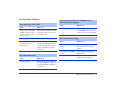
The power does not turn on.
Cause
What to do
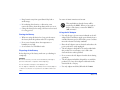
The battery has run out.
When the
icon appears on
the top right corner of the LCD,
the battery has run out. See
“Charging the Battery” on page 10
and charge the battery.
The battery is not installed
correctly.
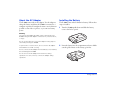
Make sure the battery is installed
correctly. See “Installing the
Battery” on page 9.
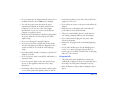
The P-2000 may have shut
off automatically to save
battery power.
Slide the power switch down to
turn the P-2000 back on.
Wait until the P-2000 cools
down.
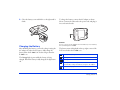
The battery power is running
out. Charge the battery. See
“Charging the Battery” on
page 10 for details.
Press the reset button. See
“Resetting the P-2000” on
page 56 for instructions.
Maintenance and Troubleshooting 53