1
Forterm
Serial Solutions
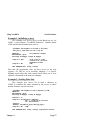
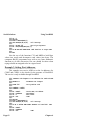
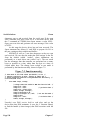
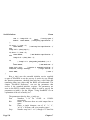
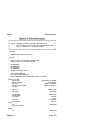
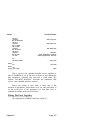
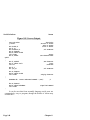
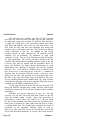
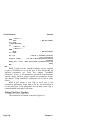
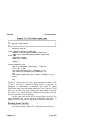
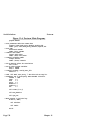
subroutine outstr (data, count)
character *(*) data
integer count
rewind(1,err=1000)
write (1,err=1000) data(1:count)
rewind(1,err=1000)
return
1000 continue
call screen(’Failed to output characters to port.\n’C,2)
end
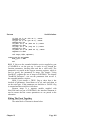
The output statement in FORTRAN used is write. A different
error check is used here. An i/o error causes control to be passed
to line 1000, where an error message is printed. Note the use of
rewind to prepare the file for use, and after the write operation
to make sure that all data has actually been sent to the serial
port.
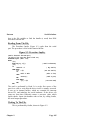
Closing The File.
______________
_
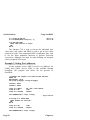
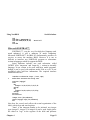
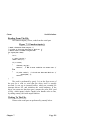
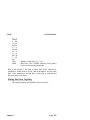
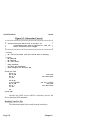
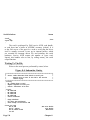
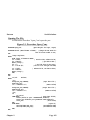
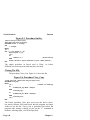
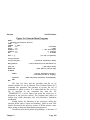
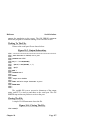
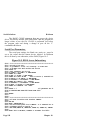
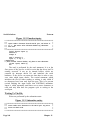
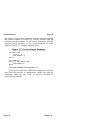
The FORTRAN statement close, Figure 11-4, is used to
close the file.
Figure 11-4. Closing The File.
_________________________
_
close(1)
Close does not access the device driver, but merely informs
DOS and FORTRAN that the program no longer wishes to use
the file. Close is performed just before the program ends and
during a change of port on the ’C’ command in Forterm.
Serial Port Parameters.
____________________
_
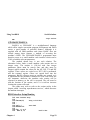
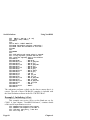
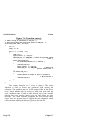
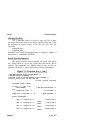
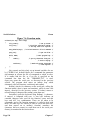
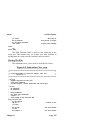
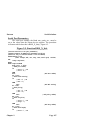
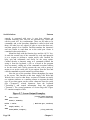
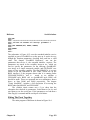
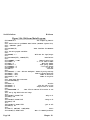
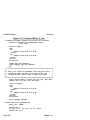
The serial port settings, the Baud rate, parity etc., must be
set to the values that the remote device requires. In Forterm this
is all done by one function, BIOS_X_init, shown in Figure 11-5.
Chapter 11
Page 167