1
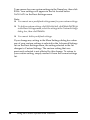
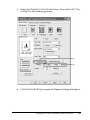
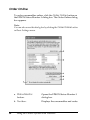
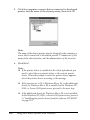
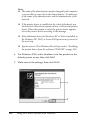
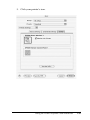
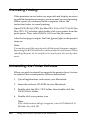
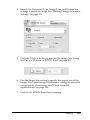
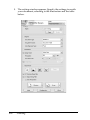
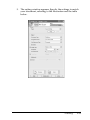
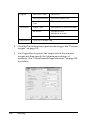
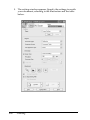
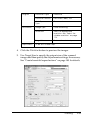
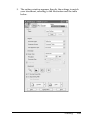
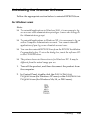
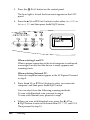
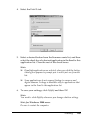
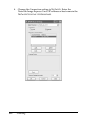
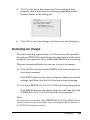
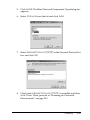
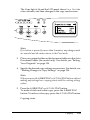
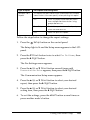
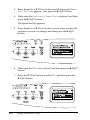
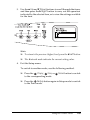
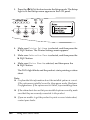
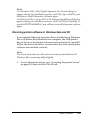
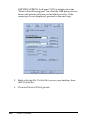
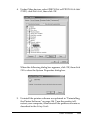
6. Click the Utility tab, and confirm that the check box for the
printer software you want to uninstall is selected.
Note:
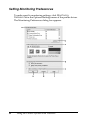
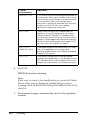
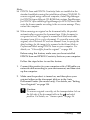
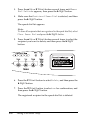
If you uninstall only EPSON Status Monitor 3, select the EPSON
Status Monitor 3 check box. To do so, deselect your product icon
in Printer Model menu in step 5.
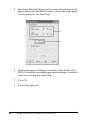
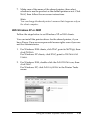
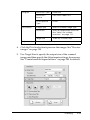
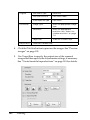
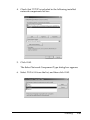
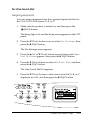
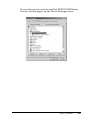
7. To uninstall, click OK.
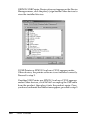
Note:
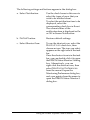
You can uninstall only the Monitored Printers utility of EPSON
Status Monitor 3. When the utility is uninstalled, you cannot
change the settings of Monitored Printers from EPSON Status
Monitor 3 of other printers.
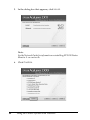
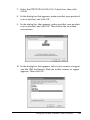
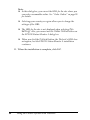
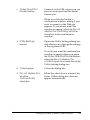
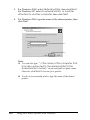
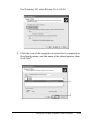
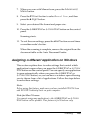
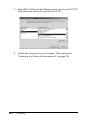
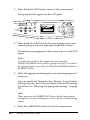
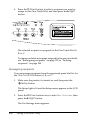
8. Follow the on-screen instructions.
106
Using the Printer Software with Windows