1
C H A P T E R
4
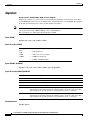
AXSM Card Management
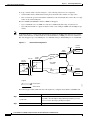
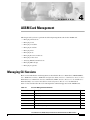
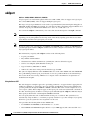
This chapter tells you how to perform the following management tasks for the AXSM card.
•
Managing CLI Sessions
•
Managing Cards
•
Managing Card SCTs
•
Managing Port SCTs
•
Managing Lines
•
Managing Ports
•
Managing Resource Partitions
•
Managing Connections
•
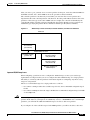
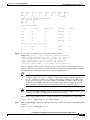
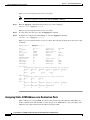
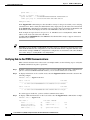
Verifying PNNI Communications
•
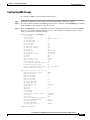
Managing IMA Groups
•
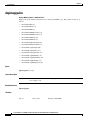
Managing Loopbacks
Managing CLI Sessions
Basic session initialization and management are described in the Cisco MGX 8850 (PXM1E/PXM45),
Cisco MGX 8950, and Cisco MGX 8830 Configuration Guide, Release 5.1, the Release Notes for Cisco
MGX 8230, Cisco MGX 8250, and Cisco MGX 8850 (PXM1) Switches, Release 1.3.10, and the Cisco
MGX 8850 Edge Concentrator Installation and Configuration, Release 1.1.3 documentation.
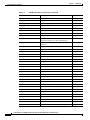
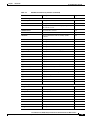
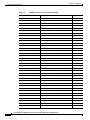
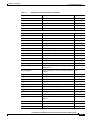
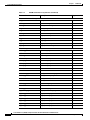
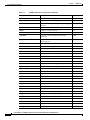
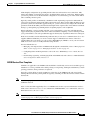
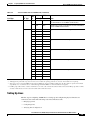
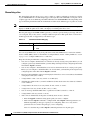
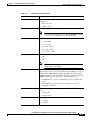
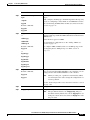
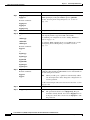
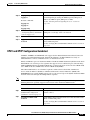
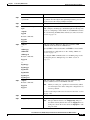
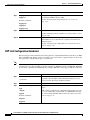
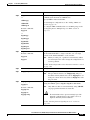
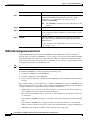
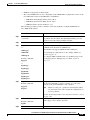
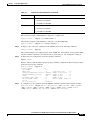
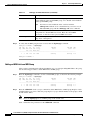
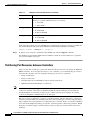
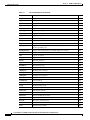
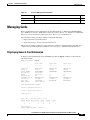
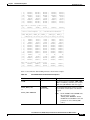
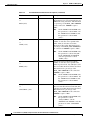
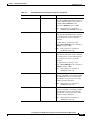
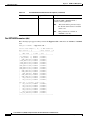
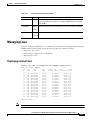
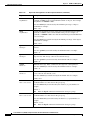
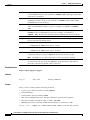
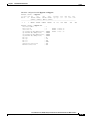
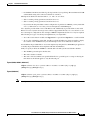
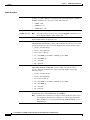
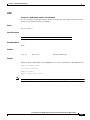
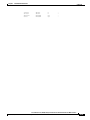
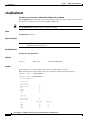
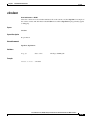
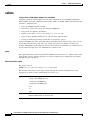
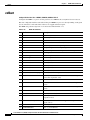
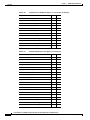
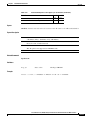
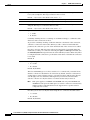
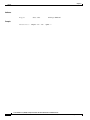
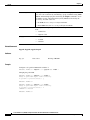
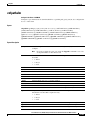
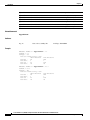
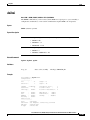
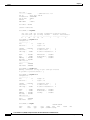
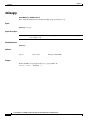
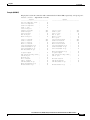
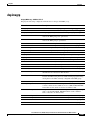
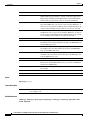
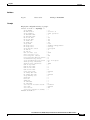
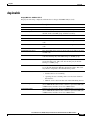
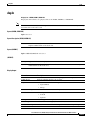
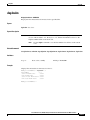
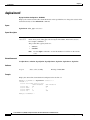
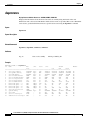
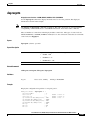
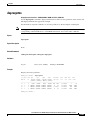
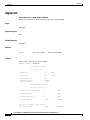
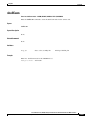
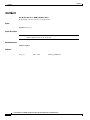
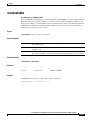
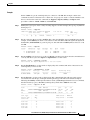
Table 4-1 lists and describes the session management commands supported on the AXSM cards.
Table 4-1
Session Management Commands
Command
Description
Page
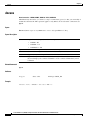
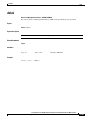
bye
Log out of session
5-49
clidbxlevel
CLI debug level
5-52
clrscrn
Clear screen
5-91
cmdhistory
Command history
5-92
cnfcli
Configure CLI
5-121
core
Core memory dump
-164
Cisco ATM Services (AXSM) Configuration Guide and Command Reference for MGX Switches
Release 5.2, Part Number OL-6484-01 Rev. C0, September 2005
4-1