1
Connecting to the Setup Port
Connecting to the Setup Port
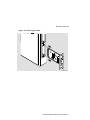
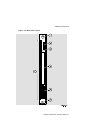
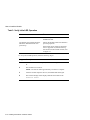
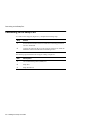
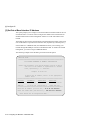
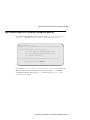
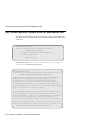
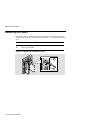
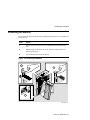
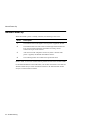
To connect to the setup port (Figure 4-1), complete the following steps:
Step
Action
1
Ensure that the transmit and receive baud rates on the setup port device
are set to 9600 baud.
2
Connect the setup port device to the setup port connector on either the
MultiSwitch 900 or the DEChub ONE docking station.
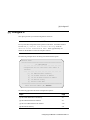
The following legend identifies the setup port cabling in Figure 4-1.
Item
Description
1
Out-of-Band Management (OBM) Port
2
Setup Port
3
Setup Port Device
4-4 Installing the Setup Port Cable