1
GETTING STARTED
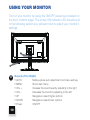
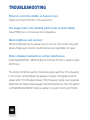
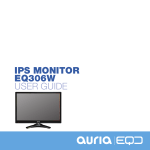
Your Monitor is designed to work seamlessly with Windows
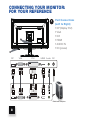
devices that contain a Display Port, HDMI, DVI, or VGA input. You
may also use it with Apple devices via Apple’s mini DVI connector.
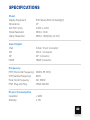
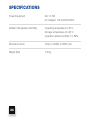
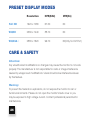
It features a 27” LED/LCD backlit screen with 2880 x 1620 resolution
(Only through DVI,other input just up to 2560 x 1440).
In this user guide you will learn how to:
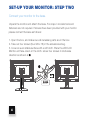
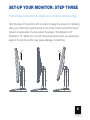
• Set up your monitor
• Connect your monitor to a computer
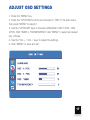
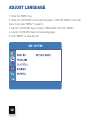
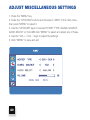
• Adjust your monitor’s settings
Important
Carefully read your monitor’s set-up instructions and safety guidelines on
pages 26-28 before you set-up and use your display. To download the
specifications for your monitor please visit www.eqdcorp.com
2