1
User Guide
4. Datalogger Configuration
To ensure proper communications with the datalogger it will be necessary to
configure the datalogger. This can be done via the Device Configuration Utility.
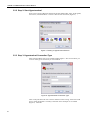
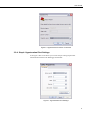
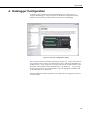
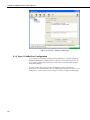
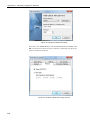
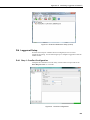
Follow the instructions provided to make a connection to the datalogger.
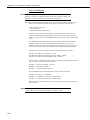
Figure 13. Device Configuration Utility
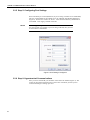
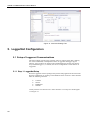
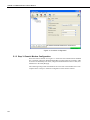
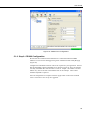
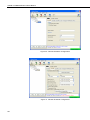
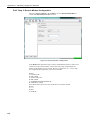
Once connected select the ComPorts Settings tab (Figure 14), set the Verify Interval
to its maximum value of 26213 seconds and select the “19.2K Fixed” Baud Rate for
the RS-232 port. If you require the use of the CSI/O port for communications, select
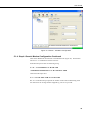
the CSI/O – ME ComPort and set the Baud Rate to “19.2K Fixed”. . If you require
the use of the COM port for communications, select the appropriate COM Port and
set the Baud Rate to “19.2K Fixed”.
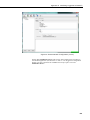
Make any additional changes required for your application, and apply the settings to
save the changes.
11