1
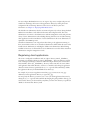
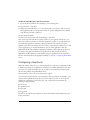
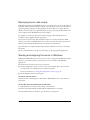
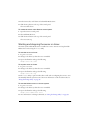
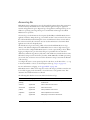
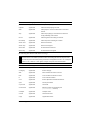
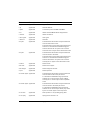
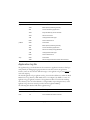
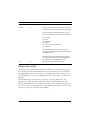
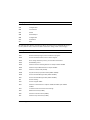
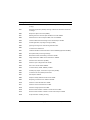
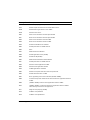
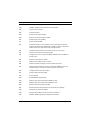
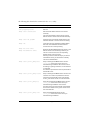
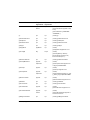
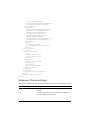
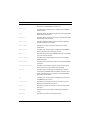
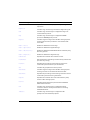
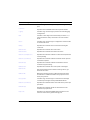
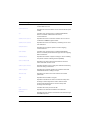
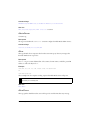
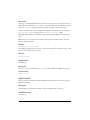
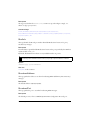
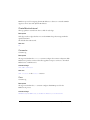
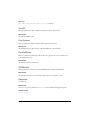
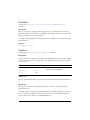
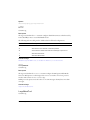
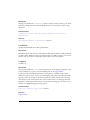
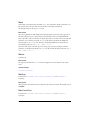
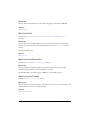
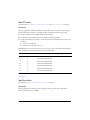
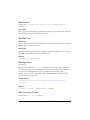
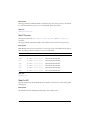
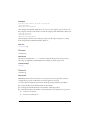
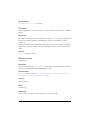
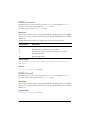
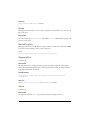
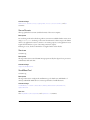
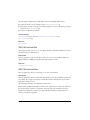
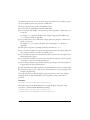
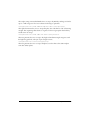
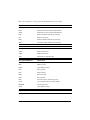
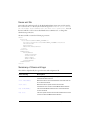
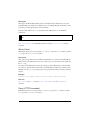
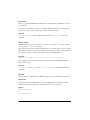
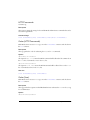
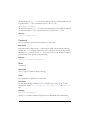
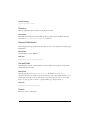
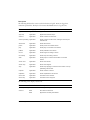
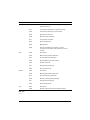
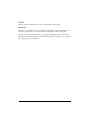
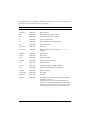
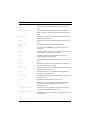
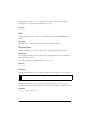
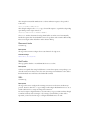
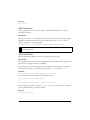
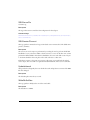
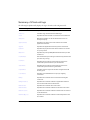
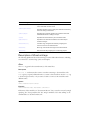
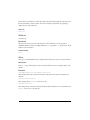
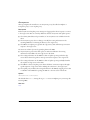
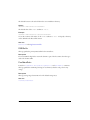
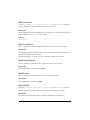
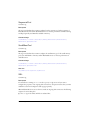
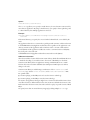
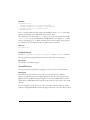
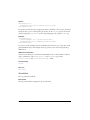
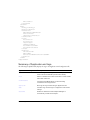
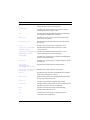
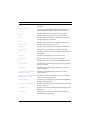
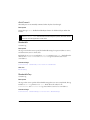
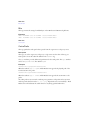
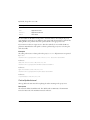
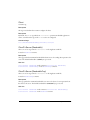
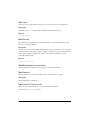
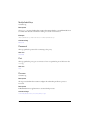
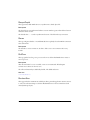
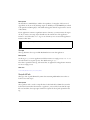
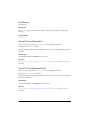
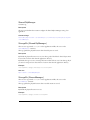
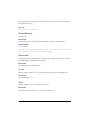
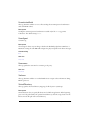
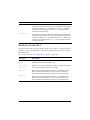
The following table describes the commands for the fmsmgr utility.
Command
Description
fmsmgr server adminserver
Starts, stops, restarts, or aborts the Flash Admin
Service.
start|stop|abort|restart
fmsmgr server clearautostart
Sets the Flash Admin Service to be started
manually.
This command affects only the server service;
Admin services cannot be started automatically.
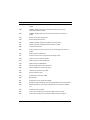
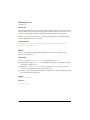
fmsmgr server fms getadmin
Gets the name of the Flash Admin Service and
indicates whether or not that service is running.
fmsmgr list
Lists all the services installed, including Admin
Services, with additional information about
services that are currently running.
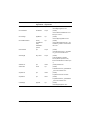
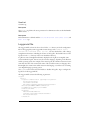
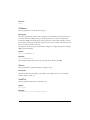
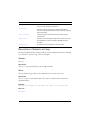
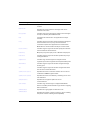
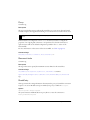
fmsmgr fms server remove
fmsmgr fms adminserver remove
Removes the Flash Media Server 2 service or the
Admin service from the fmsmgr tables. If you
remove a server service, the corresponding
Admin service is also removed.
Warning: Use this command only if you want to
uninstall the server; you still need to manually
remove the installed files.
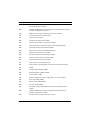
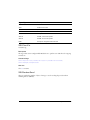
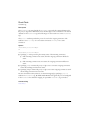
fmsmgr server [service_name] abort
Stops a running Flash Media Server service.
service_name is the name of the server you
selected during installation. Processes, such as
streaming or garbage collection, are not allowed
to complete.
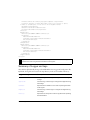
If no name is specified, the action is performed on
the default server.
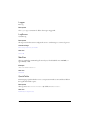
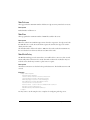
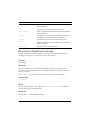
fmsmgr server [service_name] restart
Stops a running Flash Media Server service and
restarts it. If no name is specified, the action is
performed on the default server. If the default
service_name doesn’t exist, the command fails.
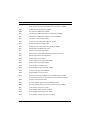
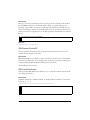
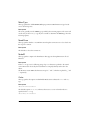
fmsmgr server [service_name] stop
Stops the specified Flash Media Server service.
service_name is the name of the server you
selected during installation. If no name is
specified, the action is performed on the default
server. If the default service_name doesn’t exist,
the command fails.
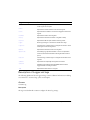
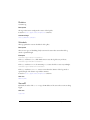
fmsmgr server [service_name] start
Starts the Flash Media Server service.
service_name is the name of the server you
selected during installation.
Managing Flash Media Server on Linux
59