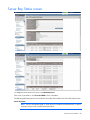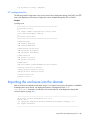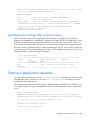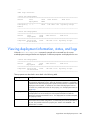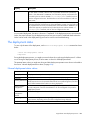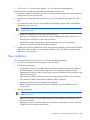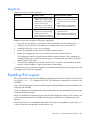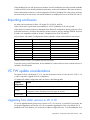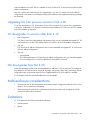
1
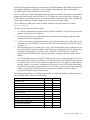
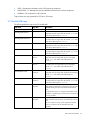
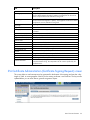
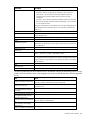
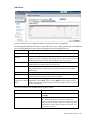
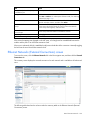
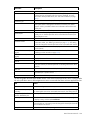
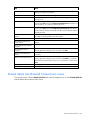
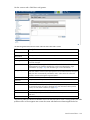
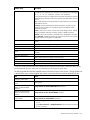
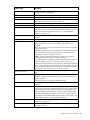
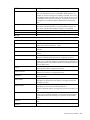
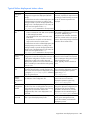
Icon
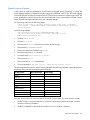
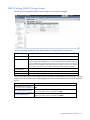
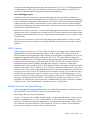
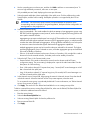
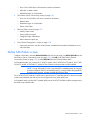
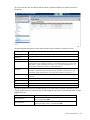
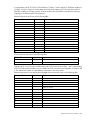
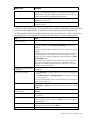
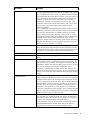
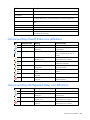
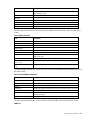
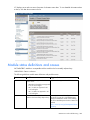
Operational state
Meaning
(orange)
Corrective action
configuration attributes.
Incompatible
Device does not match the
configuration.
BIOS version level is not at a level that
supports Virtual Connect.
No communication
Cannot communicate with the
device.
Check the physical connections and IP
address.
Missing data
VCM is missing data about one or
more blades in the multi-blade
server.
Check that the blades and Blade Link
that comprise the multi-blade server are
installed correctly and functioning
properly.
Missing
Device is configured but not
accessible.
Device is not operational because
of an error.
Insert the correct hardware module.
(orange)
(orange)
(orange)
Failed
Reset the device or application, or
replace the device.
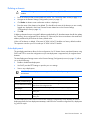
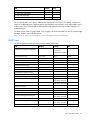
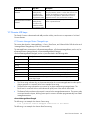
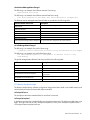
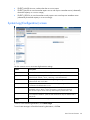
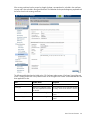
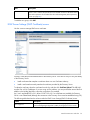
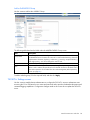
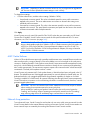
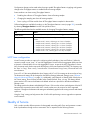
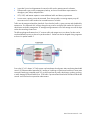
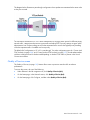
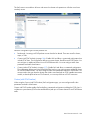
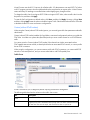
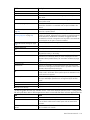
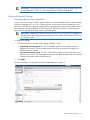
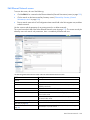
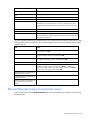
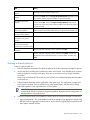
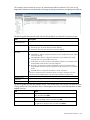
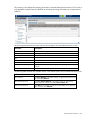
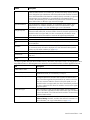
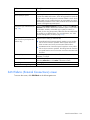
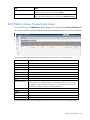
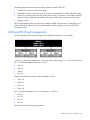
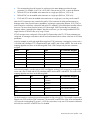
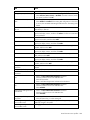
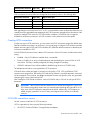
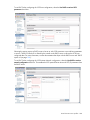
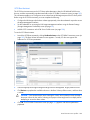
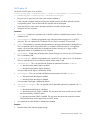
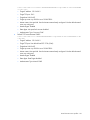
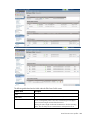
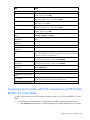
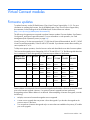
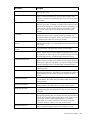
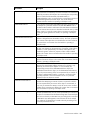
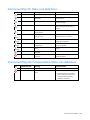
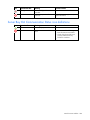
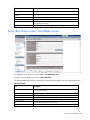
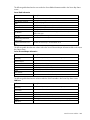
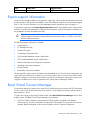
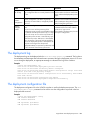
Server Bay OA Reported Status icon definitions
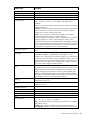
Icon
Operational state
Meaning
Corrective action
OK
Device is fully operational.
None
Unknown
Device operational state cannot be Check Onboard Administrator
determined.
communication.
Degraded
Device is partially operational, but
capacity is lost.
Check and correct the Onboard
Administrator error condition.
Failed
Device is not operational because
of an error.
Check and correct the Onboard
Administrator error condition.
(yellow)
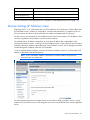
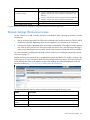
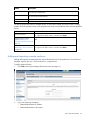
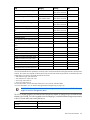
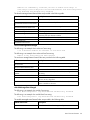
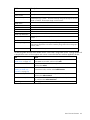
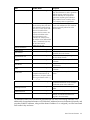
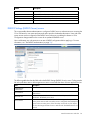
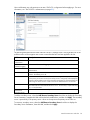
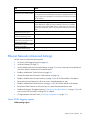
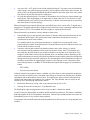
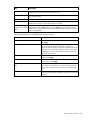
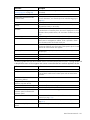
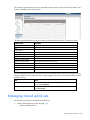
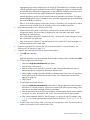
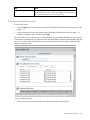
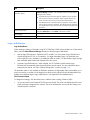
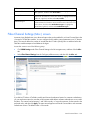
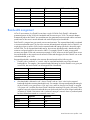
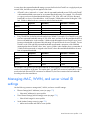
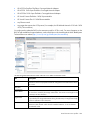
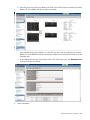
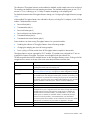
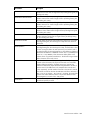
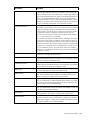
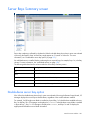
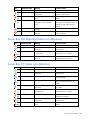
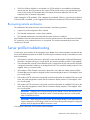
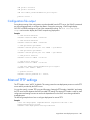
Server Bay VC Status icon definitions
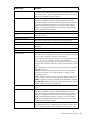
Icon
Operational state
Meaning
Corrective action
OK
Device is fully operational.
None
Unknown
Device operational state cannot be Check Onboard Administrator
determined.
communication.
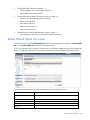
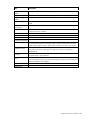
Disabled
Device is disabled.
Enable the component in Virtual
Connect Manager.
Initializing
Device is initializing.
Wait until initialization is complete.
(This icon should only be seen at
startup.)
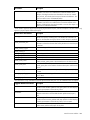
Profile pending
Device has a pending profile
assignment.
Turn server power off and apply the
new profile.
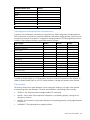
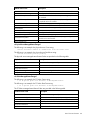
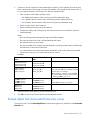
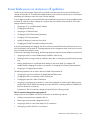
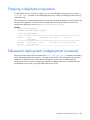
Degraded
Device is partially operational, but
capacity is lost.
Check and correct the Onboard
Administrator error condition.
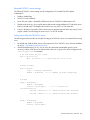
Misconfigured
Device has a configuration error.
Correct the Virtual Connect Manager
configuration attributes.
Incompatible
Device does not match the
configuration.
BIOS level is not at a level that supports
Virtual Connect.
No communication
Cannot communicate with the
device.
Check the physical connections and IP
address.
(blue)
(blue)
(yellow)
(orange)
(orange)
(orange)
Virtual Connect modules 255