1
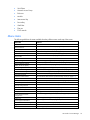
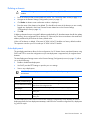
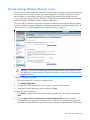
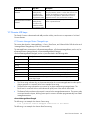
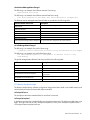
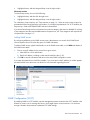
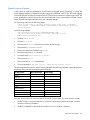
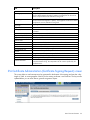
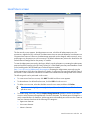
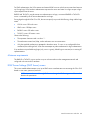
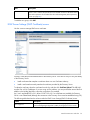
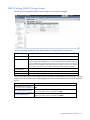
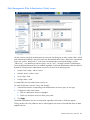
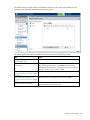
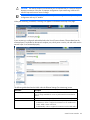
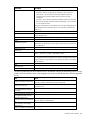
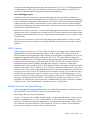
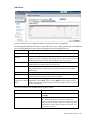
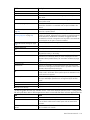
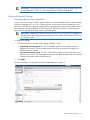
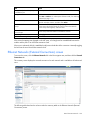
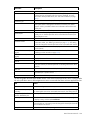
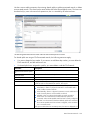
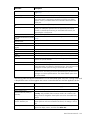
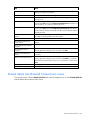
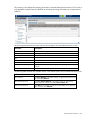
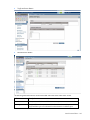
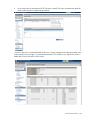
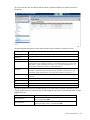
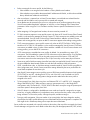
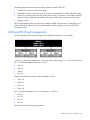
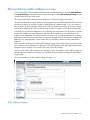
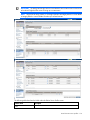
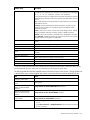
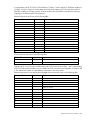
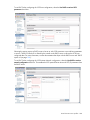
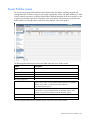
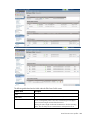
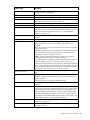
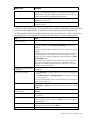
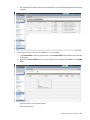
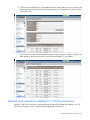
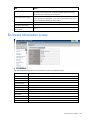
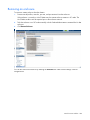
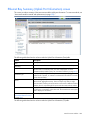
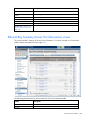
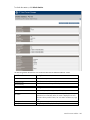
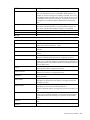
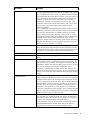
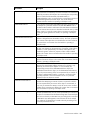
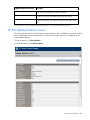
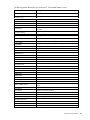
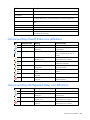
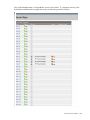
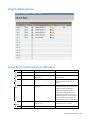
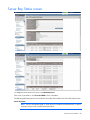
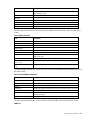
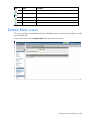
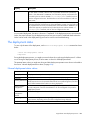
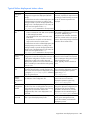
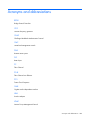
The following table describes the rows within the Server Blade Information table in the Server Bay Status
screen.
Server Blade Information
Row
Description
Serial Number
The unique serial number of the server blade
Serial Number (Logical)
If configured, the logical serial number of the server blade
UUID
Unique identifying number of the server blade
UUID (Logical)
If configured, the logical UUID of the server blade
Product Name
The common descriptive name of the server blade
Server Name
If configured, the server name of the installed server blade
Part Number
The part number to be used when ordering an additional or replacement server
blade of this type
Asset Tag
If configured, the asset tag of the installed server blade
Monarch Bay (multi-blade
servers only)
Identifies the monarch bay in the multi-blade server
All Bays (multi-blade servers
only)
Identifies all of the bays in the multi-blade server
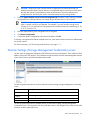
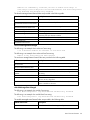
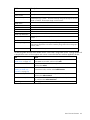
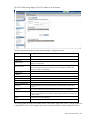
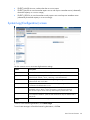
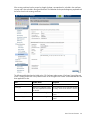
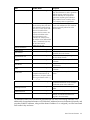
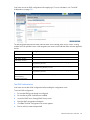
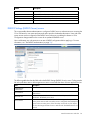
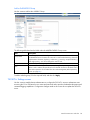
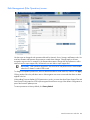
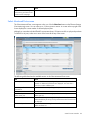
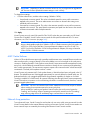
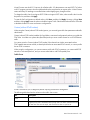
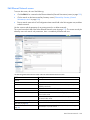
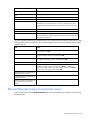
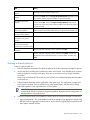
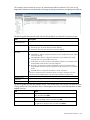
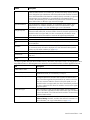
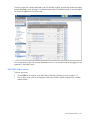
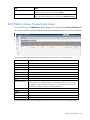
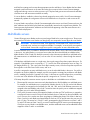
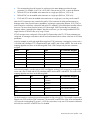
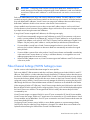
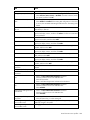
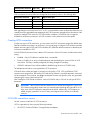
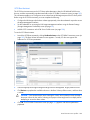
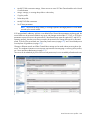
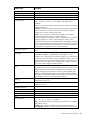
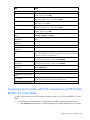
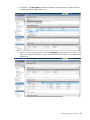
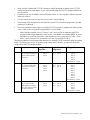
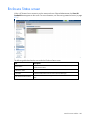
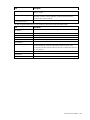
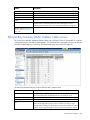
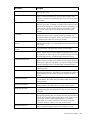
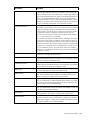
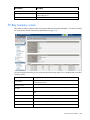
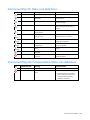
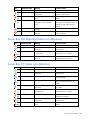
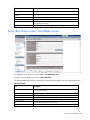
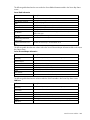
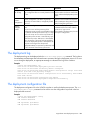
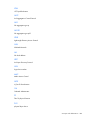
The following table describes the columns within the Server Ethernet Adapter Information table in the Server
Bay Status screen.
Server Ethernet Adapter Information
Column
Description
Device Bay
Identifies the bay whose ports are shown in that group
Ethernet adapter
Port number where the adapter is installed
Flex NIC
Flexible network interface port
Location
Connection location of this adapter
Module Port
Module bay number and module port number to which the device is connected
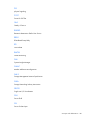
Model
Type of adapter installed
MAC Address
MAC address of the Ethernet adapter
Network
Network name associated with this adapter
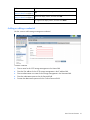
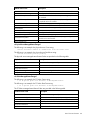
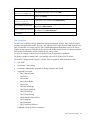
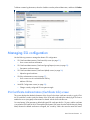
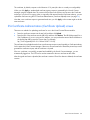
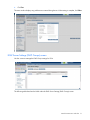
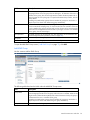
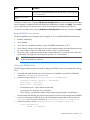
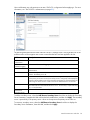
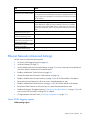
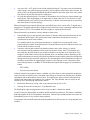
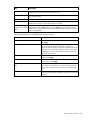
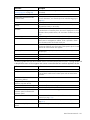
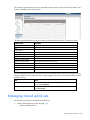
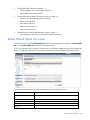
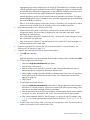
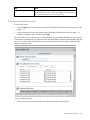
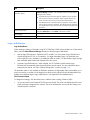
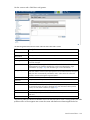
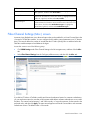
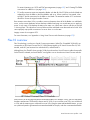
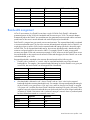
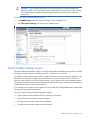
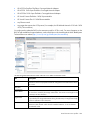
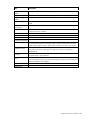
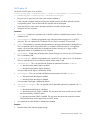
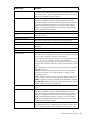
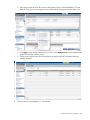
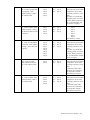
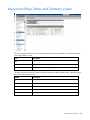
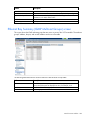
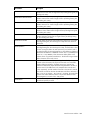
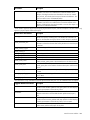
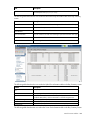
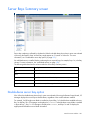
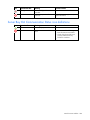
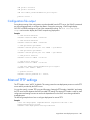
The following table describes the columns within the SAN Ports table in the Server Bay Status screen.
SAN Ports
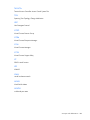
Column
Description
Device Bay
Identifies the bay whose ports are shown in that group
Port Number
Relative Fibre Channel Port number
Adapter
Mezzanine number where the HBA is connected
Module Port
Module bay number and module port number to which the device is connected
Model
Type of mezzanine installed
WWN
VC-Assigned WWN or "Server Factory Default" if not assigning WWNs
SAN Fabric
Name of the SAN fabric the port to which the port is connected
Virtual Connect modules 260