1
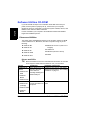
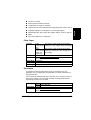
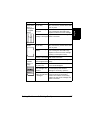
 Warped
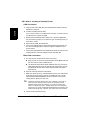
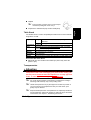
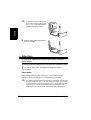
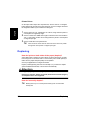
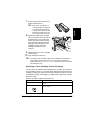
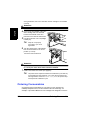
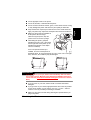
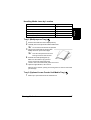
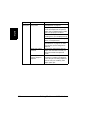
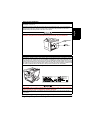
If the postcard is warped, press on the warped
area before putting the card in Tray 1.
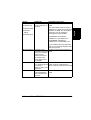
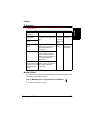
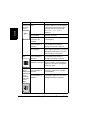
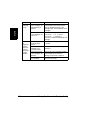
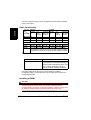
Thick Stock
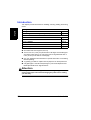
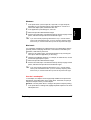
Test all thick stock to ensure acceptable performance and to ensure that the
image does not shift.
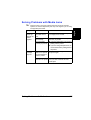
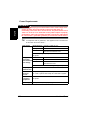
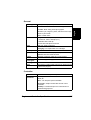
Capacity
Tray 1
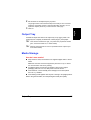
Up to 50 thick stock sheets, depending on their
thickness
Not supported
Tray 2
Face up
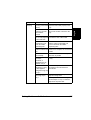
Check printer.konicaminolta.net/support (click on Answer
Base) for currently approved media.
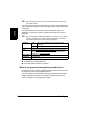
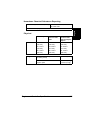
Driver Mode Thick stock
Weight
24–43 lb bond (91–163 g/m²)
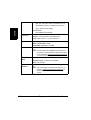
Duplexing
Not supported
Notes
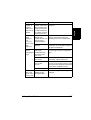
43 lb (163 g/m²) bond is also referred to as 90 lb index stock.
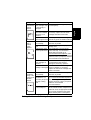
Orientation
Type
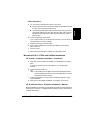
Do not use thick stock that is
Mixed with any other media in the media trays (as this may cause the
printer to jam)
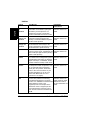
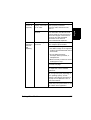
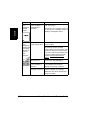
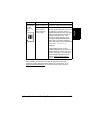
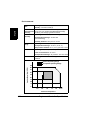
Transparencies
Attention
Use only the KONICA MINOLTA-approved media. Using unapproved
transparencies will result in damaging your printer and in voiding your
warranty. Check www.konicaminolta.net/printer/ for currently approved
media. To order approved media, go to www.q-shop.com.
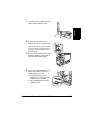
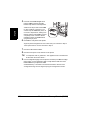
Do not fan large quantities of transparency media before loading it.
Resulting static electricity may cause printing errors.
Handle transparencies only by the edges and as little as possible. If
you touch the face of transparencies with your bare hands, print
quality may be affected.
Keep the media path clean. Transparencies are especially sensitive to
a dirty media path. If there are shadows on either the top or the bottom
of the sheets, see chapter 7, “Maintaining the Printer.”
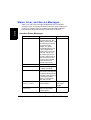
Media Types
27
English
Preprinted or multicolored (may result in media jams)